· Erick Danzer · 5 min read
Partner Portal Updates: AI and Claude Support, Native Xero, Reseller Support, and More
A roundup of what we've shipped in PartnerPortal recently: connect your own AI assistant, a native Xero integration, full reseller support, partner certifications, customizable emails, and a stack of operator upgrades.

We’ve shipped a lot in PartnerPortal over the past month — including three genuinely new capabilities: you can now connect your own AI assistant to your portal, capture revenue natively from Xero, and run true reseller programs alongside referral partners. Here’s the roundup, and what each change means for your partner program.
AI and Claude support: connect your own assistant
This is the one we’re most excited about. You can now connect your own AI assistant — Claude today — directly to your PartnerPortal and work with your live partner data in plain language.
Ask “which partners drove the most revenue last quarter?”, “show me every lead still pending approval,” or “register a new lead for this partner,” and your assistant does it against your real portal — no exports, no dashboards to hunt through. A few things that make it safe and practical:
- It acts as you. You connect with your normal portal login, and every read and write runs with your permissions and role. Nothing is exposed that you couldn’t already see.
- You bring your own AI. It works with your existing Claude subscription, so there’s no new per-seat AI bill from us and no model to manage.
- Setup is a single URL. Paste your portal’s connect link into Claude, sign in once, and you’re working.
See what your AI assistant can do and how to connect Claude to get started.
Native Xero integration
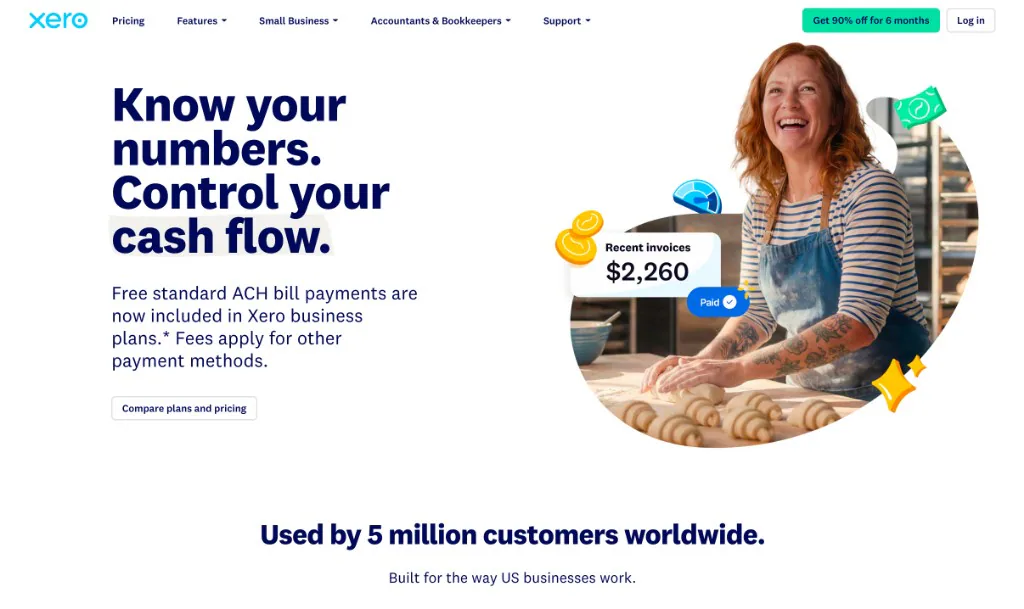
PartnerPortal now connects natively to Xero, our third native accounting source alongside Stripe and QuickBooks. It reads the customer payments recorded in Xero, matches each one to the partner-sourced lead behind it, and turns that collected revenue into partner commissions and payouts automatically. It’s read-only, and it’s especially meaningful for teams in Australia, New Zealand, and the UK who run their books in Xero. Full details in the Xero integration announcement.
Reseller support: margin, not just commission
Until now, PartnerPortal was built around referral partners who earn a commission on revenue. It now supports resellers too — partners who earn the margin between a wholesale and a retail price.
Every level of your program — company default, partner group, individual partner, or a single lead — can be set to Referral or Reseller, and PartnerPortal handles the margin math for you. It works whether the vendor collects payment and pays the partner their margin, or the reseller collects from the customer directly and keeps the spread (in which case PartnerPortal simply tracks the margin for reporting). If you’ve ever had to run a reseller channel in spreadsheets because your PRM only understood commissions, this closes that gap. See reseller partners in the docs.
Partner training, now with certifications
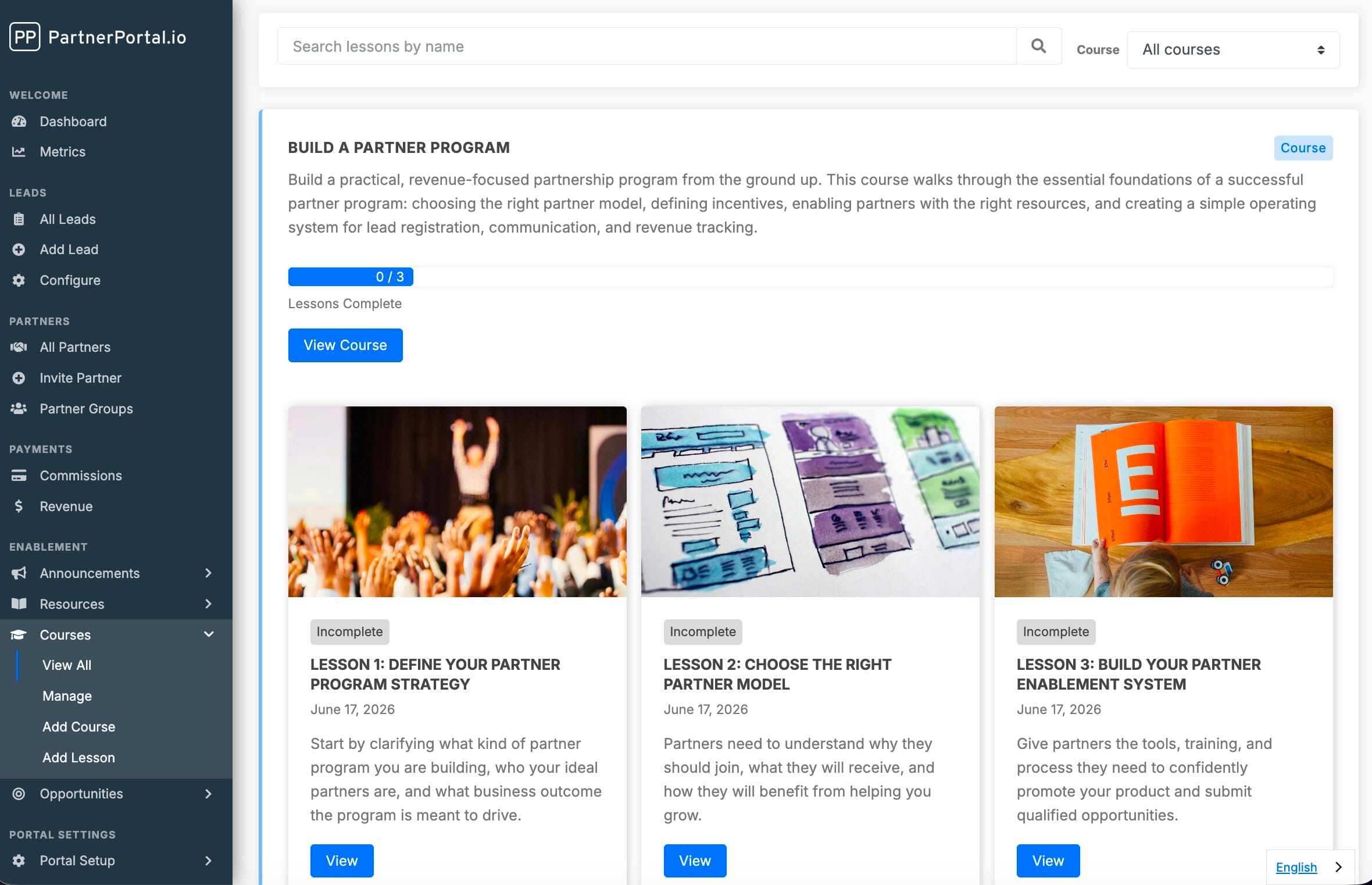
Building on the partner training courses we shipped recently, you can now issue certifications — visual credentials a partner earns by completing the courses you require, or that you award by hand for training that happens outside the portal. Certifications are tracked per partner user and surface on the partner record, so “who on this partner’s team is certified?” is finally a question with a real answer. See certifications and courses.
Customizable partner emails
You can now customize the wording of the transactional emails PartnerPortal sends your partners — welcome and invitation emails, lead and opportunity notifications, announcements, and more — from the Enablement → Email screen. Rewrite the subject and body to match your program’s voice; the branded layout, links, and unsubscribe handling stay consistent automatically. This was one of the most-requested changes we’ve had. See customizing emails.
More ways to run your program
A stack of operator-focused upgrades shipped alongside the headline features:
- SPIFFs — run short-term cash-bonus campaigns on top of regular commissions (a quarterly push, a product-launch incentive), with partners invited, notified, and awarded right inside the portal. See SPIFFs.
- Flexible tier conditions — build partner tiers on revenue, lead count, or deal count (not revenue alone), with a preview of exactly which partners move before you save.
- Partner payout details and tax documents — collect PayPal, bank, and W-9 details from partners, stored securely.
- Closed-won commissions — automatically generate a commission from a deal’s value the moment it’s marked closed-won in your CRM.
- Lead file uploads — attach proposals, contracts, and signed paperwork directly to a lead, shared between you and the referring partner.
- Individual (non-company) partners, partner auto-approval, and CSV lead import — smoother onboarding for programs built on individual people and higher volumes.
- White-label touches — per-portal font customization, plus control over which menu items and dashboard blocks your partners see.
- International support — per-portal date formats and internationalized phone entry and validation.
What’s coming next
A few things actively in flight:
- More native CRMs — Close and Copper are next in the queue.
- Partner-side AI — letting your partners register deals through their own AI assistant, without ever opening the portal.
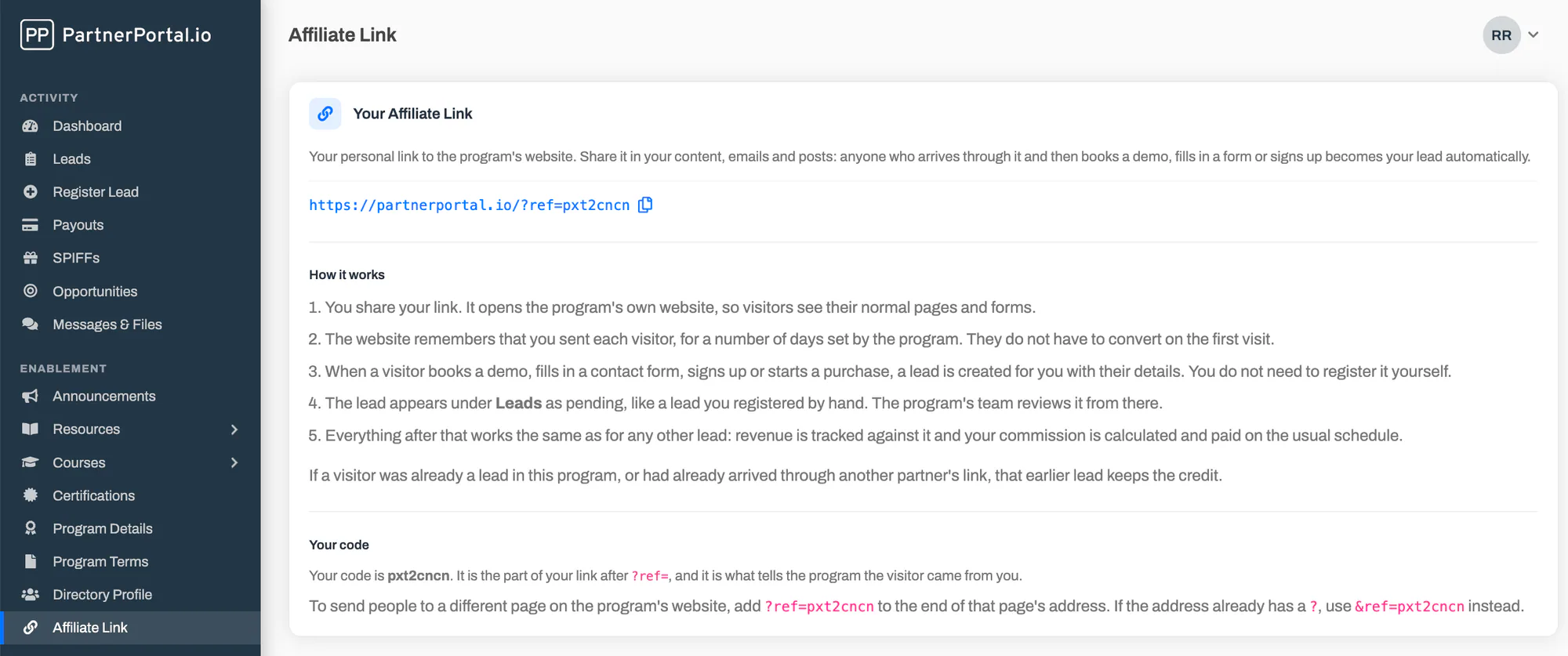
- Affiliate linking — round-trip support for affiliate-style channels alongside lead registration.
A note from Erick
If you’re an existing customer: log in and take a look — most of this is immediately usable on your current plan, and much of it came straight from feedback you’ve sent. Connecting your AI assistant takes about a minute and is worth trying first. If something doesn’t behave the way you’d expect, reply and let me know.
If you’re evaluating PartnerPortal: the simplest way to see how it fits together is to launch a free portal and connect your CRM, or compare the options in our guide to the best PRM software.
— Erick
Frequently asked questions
Can I connect an AI assistant to PartnerPortal?
Yes. PartnerPortal now includes an AI connector that lets you connect your own Claude assistant to your portal and work with your live partner data in natural language — asking questions, pulling reports, and registering leads. Every action runs as the signed-in user with that user's permissions.
Does PartnerPortal support resellers, not just referral partners?
Yes. Every level of your program can now be set to Referral (the partner earns a commission on revenue) or Reseller (the partner earns the margin between a wholesale and retail price). PartnerPortal tracks the margin either way, including cases where the reseller collects payment directly.
Does PartnerPortal integrate with Xero?
Yes. PartnerPortal has a native Xero integration that captures customer payments from Xero, matches them to partner-sourced leads, and uses that revenue to generate partner commissions and payouts. It's read-only and never changes anything in your Xero organisation.
Can partners earn certifications in PartnerPortal?
Yes. You can create certifications that partners earn by completing the training courses you require, or that you award manually. Certifications are visual credentials tracked per partner user and shown on the partner record.
Can I customize the emails PartnerPortal sends to partners?
Yes. Portal owners can override the subject and body of the system emails PartnerPortal sends — welcome, invitations, lead and opportunity notifications, and more — from the Enablement → Email screen, while the branded layout stays consistent.