
Best PRM for Salesforce in 2026
The best PRM software for Salesforce in 2026. Nearly every PRM integrates with Salesforce natively, so choose on program size, features, price, and Salesforce-specific depth — from lightweight SMB portals to enterprise channel suites, plus Salesforce's own native PRM.
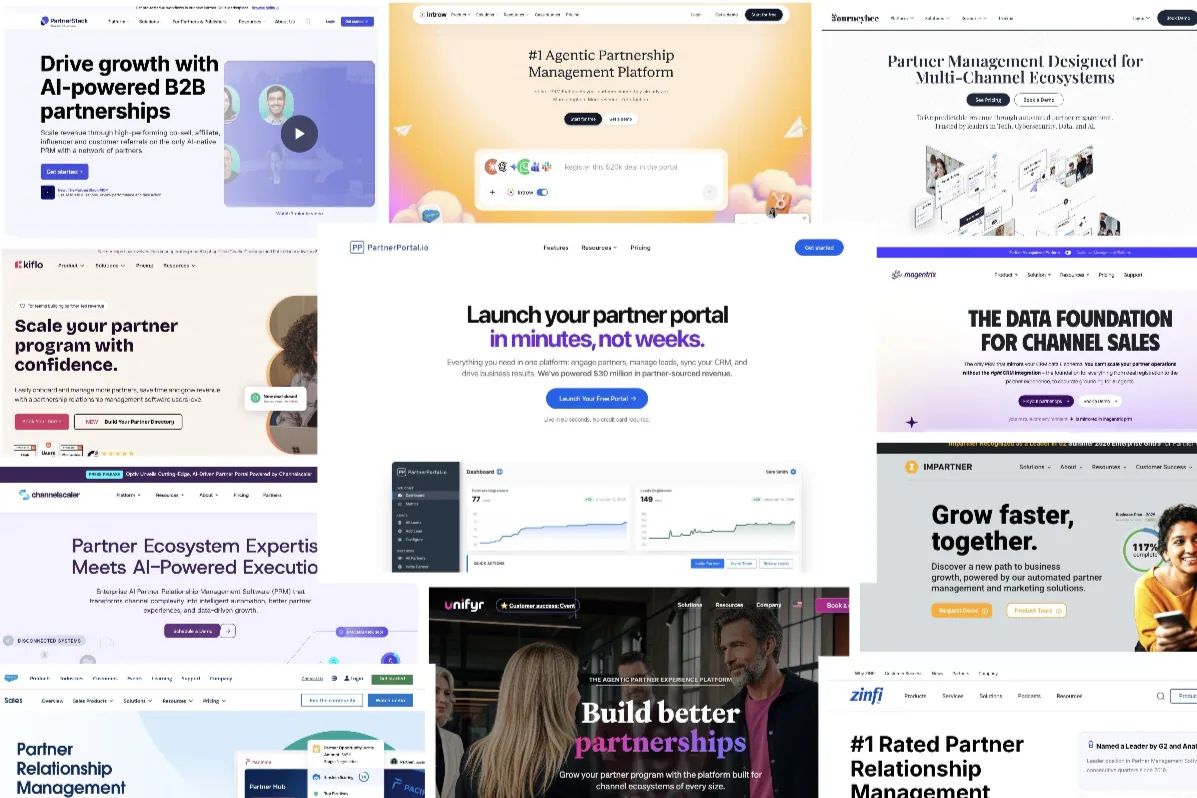
Salesforce is the CRM the entire PRM (partner relationship management) category grew up around. Along with HubSpot, it’s one of the two CRMs almost every PRM supports — and it usually supports it deeply, with AppExchange-listed managed packages and real-time two-way sync. So, as with our best PRM for HubSpot guide, “does it integrate with Salesforce?” almost never narrows the field. The real decision is about program size, features, price, and how deep the Salesforce integration goes — plus one Salesforce-only option: building partner management inside Salesforce itself, on Experience Cloud.
TL;DR: Nearly every PRM connects to Salesforce natively, so you’re free to choose on fit rather than on “does it work with Salesforce.” For startups and SMBs, the strongest Salesforce PRMs are PartnerPortal (free tier, native two-way sync, top plan at $399/mo), Kiflo, JourneyBee, and Introw. For mid-market, PartnerStack and Magentrix (the closest thing to Experience Cloud without being Salesforce). For enterprise, Impartner, ChannelScaler (Allbound), ZINFI, and Unifyr. And if you’d rather run partner management inside Salesforce than on top of it, Salesforce PRM (Partner Cloud) is the native option — powerful, but heavier and pricier once you add its licensing and admin.
Why “which PRM works with Salesforce” is the wrong question
Salesforce is the deep end of the CRM market, and the PRM category was effectively born on it — so integrating with Salesforce isn’t a feature a PRM brags about, it’s the price of admission. Most tools here don’t merely connect; they ship an AppExchange-listed managed package that installs into your org and keeps opportunities, accounts, and contacts in sync in real time, both directions. Listing the “Salesforce-compatible” PRMs would mean listing nearly all of them.
So spend your evaluation energy elsewhere. Once native support is assumed, what decides the right Salesforce PRM is the shape of your program: how many partners and how much process, which partner features you need (deal registration, tiers, commissions, enablement), how quickly you have to be live, and what it costs. This guide sorts the tools by the program size each one fits, then flags the Salesforce integration details that genuinely differ underneath the “native” label.
The one Salesforce-only wrinkle worth knowing up front: because it’s Salesforce, you can also build partner management inside the CRM on Experience Cloud (that’s Salesforce PRM), rather than running a PRM on top of it. That’s a real option with real trade-offs — covered in its own section below — but for most buyers it’s one choice among several, not the whole decision.
What actually separates Salesforce PRMs
With native support a given, the meaningful differences are in how the integration is architected. Five things to pin down:
- On top of Salesforce vs. inside it. Almost every PRM here sits on top of Salesforce and syncs to it, so it launches fast, costs less, and needs no Salesforce seats for your partners. Salesforce PRM is the exception — it’s built inside Salesforce (Experience Cloud), giving you one system of record but at the cost of Salesforce licensing, per-partner seats, and admin overhead. Magentrix splits the difference: it sits just outside and mirrors your Salesforce schema, behaving almost like a native portal.
- How it’s built: managed package vs. API. Several PRMs ship an AppExchange-listed managed package (Impartner’s has been approved for over a decade; Kiflo, Introw, and Magentrix install packages too) that adds fields and objects to your org and updates automatically. Others connect over OAuth/API. A managed package can mean tighter Salesforce behavior; it also means installing something in your org.
- Custom objects and schema depth. Salesforce is where custom-object support matters most, and where PRMs differ most. Some field-map standard objects only; some sync custom objects; Magentrix mirrors your entire schema — custom objects, record types, picklists, and validation rules — so nothing flattens or drifts.
- What flows back from Salesforce, and how fast. Almost all sync stage, amount, and close date back to partners. The real variables are latency — real-time (streaming/PushTopics) versus batched every few minutes — and which objects and fields the sync actually covers.
- Sandbox and My Domain support. Enterprise Salesforce orgs test in a sandbox first; confirm the PRM supports sandbox connections and My Domain.
Salesforce PRM comparison table
Every tool below is native to Salesforce. Scan by segment and integration approach, then read the write-ups underneath. Prices are approximate, as of 2026 — verify on each vendor’s site.
| PRM | Best for | Salesforce approach | Two-way sync | Custom objects | Price range* | Free |
|---|---|---|---|---|---|---|
| PartnerPortal | Startup–mid-market | On top; full-schema field mapping | ✅ Stage, value, close date, won/lost | ✅ Full schema (map to Account/custom objects) | Free – $399/mo | Yes |
| Kiflo | Startup–SMB | On top; managed package | ✅ Per-field sync rules | ⚠️ Standard objects | $399/mo – Custom | 14-day trial |
| JourneyBee | SMB–mid-market | On top; managed package + sandbox | ✅ Fields, stages, notes | ⚠️ Via mapping | ~$499/mo – Custom | Demo only |
| Introw | SMB–mid-market | On top; in-Salesforce card (headless) | ✅ Real-time, all objects | ✅ Attribution + records | Free – Custom (SF on Scale+) | Yes (Starter) |
| PartnerStack | Mid-market / scale | On top; assisted setup | ✅ Assisted | ⚠️ Via integration suite | $500 – $4,000+/mo (+ payout fee) | No |
| Magentrix | Mid-market–enterprise | Schema mirroring (near-native) | ✅ Mirrored, down to 1-min sync | ✅ Full mirror (Advanced+) | ~$1,500/mo+ | No |
| Impartner | Enterprise | On top; AppExchange managed package | ✅ Real-time, reciprocal | ✅ Full | ~$25k/yr+ | No |
| ChannelScaler / Allbound | Mid-market–enterprise | On top; Salesforce-native | ✅ Real-time | ✅ Standard + custom | ~$20k – $40k/yr | No |
| ZINFI | Enterprise | On top; native connector | ✅ Fields, deal reg | ⚠️ Connector mapping | ~$20k/yr+ | No |
| Unifyr | Enterprise | On top; native connector | ✅ Bi-directional | ⚠️ Via mapping | Custom (enterprise) | No |
| Salesforce PRM | Salesforce-first orgs | Inside Salesforce (Experience Cloud) | N/A — one system of record | ✅ Native (it is Salesforce) | ~$25–$50/member/mo + Sales Cloud | No |
*Pricing is approximate, as of 2026, and often depends on partner count — confirm current numbers on each vendor’s site. Salesforce PRM’s per-member price sits on top of an underlying Sales Cloud Enterprise license (commonly ~$165/user/month) for your internal team.
Best PRMs for Salesforce: startups & SMBs
The tools in this tier sit on top of Salesforce, go live in days without an implementation project, and — unlike Salesforce PRM — never charge for partner seats. If your program is early or still finding its shape, start here.
PartnerPortal
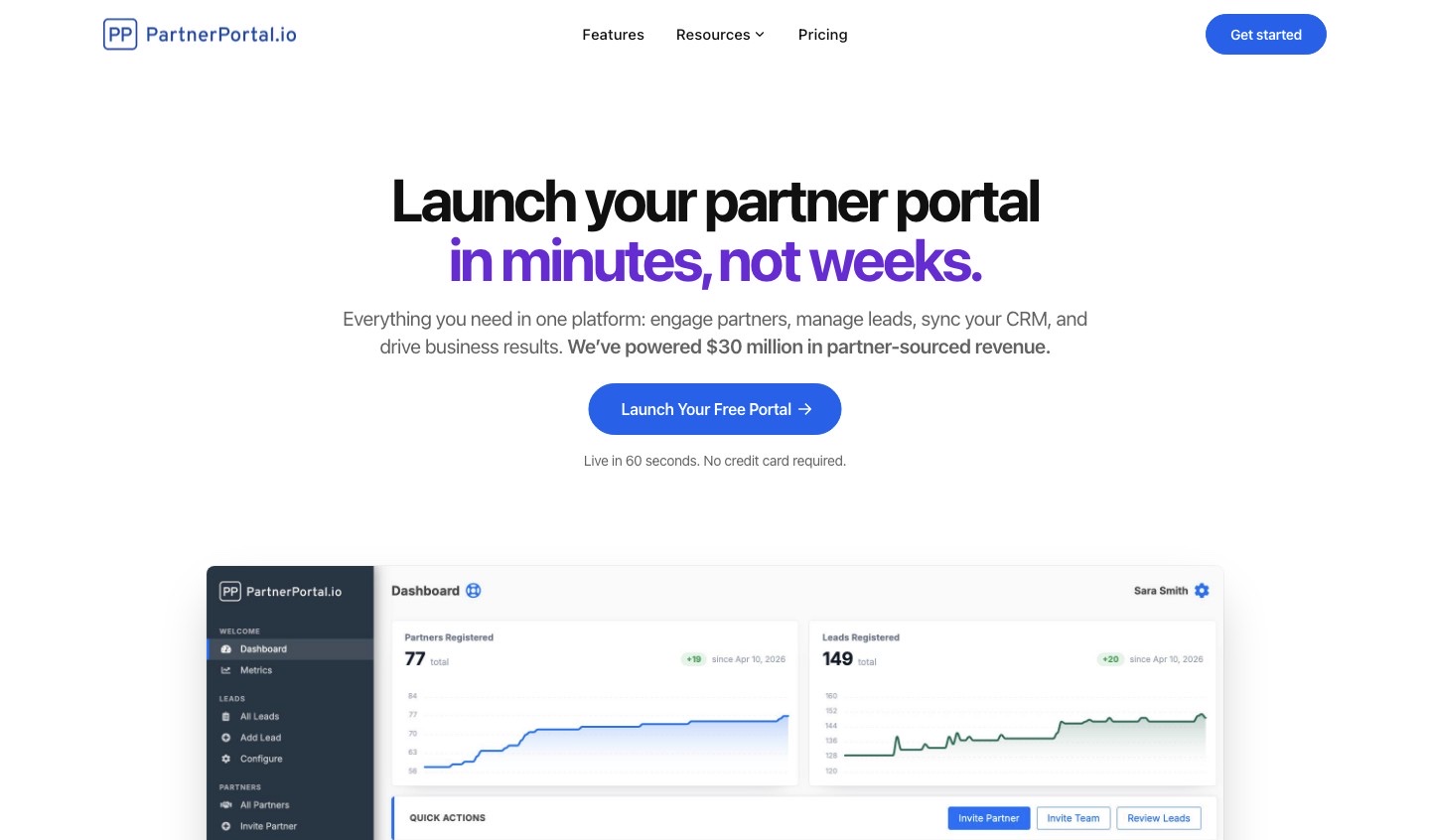
Full disclosure: PartnerPortal publishes this guide. We’ve held ourselves to the same standard — including the honest limits — as every other tool here.
Best for: SMB and mid-market teams that want a partner portal live on Salesforce quickly — and free to start. Not ideal for: buyers who want partners working inside Salesforce itself, or who need enterprise TCMA/MDF depth.
- Salesforce integration: Native, and more flexible than our other CRM integrations. When a partner-sourced lead is approved, PartnerPortal creates the mapped Salesforce records — Opportunity, Account, Contact (or a Lead you convert later) — and syncs stage, close value, close date, and won/lost status back into the portal so partners always see current status. On connect it auto-maps sensible defaults, pulling your org’s Opportunity stages and using Salesforce’s own won/lost flags rather than guessing from stage names.
- Custom objects: Full support here. Unlike a fixed three-record shape, the Salesforce mapping screen reads your entire Salesforce schema, so you choose which objects to create, set the primary object, and map partner data onto an Account or a custom object. It also honors your Salesforce duplicate and matching rules, and supports a “validate in Salesforce first” flow where sales converts the lead before the full record set is created.
- Beyond Salesforce: native integrations for HubSpot, Pipedrive, Zoho, and Attio too — the broadest small/mid-CRM coverage on this list.
- Also: lead/deal registration, partner tiers, flexible commissions, multi-currency, a built-in LMS, and no per-seat fees.
- Most affordable on this list. The only permanently free tier here (not a trial), with paid plans capped at $399/month — where Salesforce PRM and the enterprise suites climb into five figures a year once licensing and implementation are counted.
- Pricing: Free tier to launch a real portal; Professional at $249/month (up to 100 partners); Enterprise at $399/month for unlimited partners, leads, and team.
- Bottom line: the quickest, lowest-cost way to put a partner program on top of Salesforce — full-schema mapping, real inbound sync, and a free tier to start — provided you don’t need partners working inside Salesforce or an enterprise TCMA/MDF suite.
Learn more: how to integrate Salesforce with PartnerPortal.
Kiflo
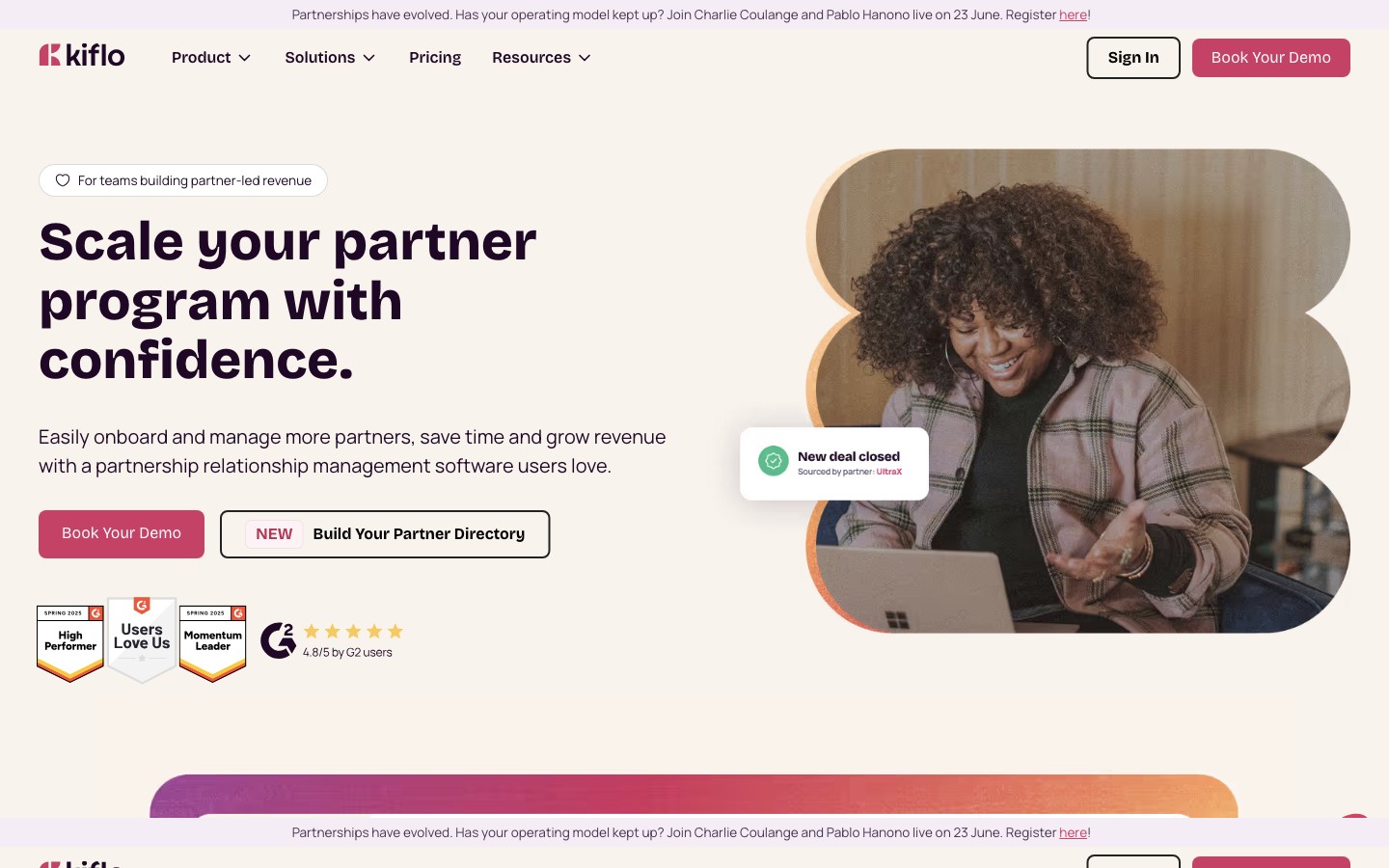
Best for: SMBs and growing SaaS teams on Salesforce or HubSpot that want a real PRM without enterprise overhead. Not ideal for: teams needing a CRM beyond Salesforce/HubSpot, or a built-in LMS.
- Salesforce integration: Native and genuinely two-way, via a managed package you install once (it adds the integration fields Kiflo needs to your standard objects, and supports sandbox orgs). Kiflo maps Leads to Leads, Deals to Opportunities, and Contacts to Contacts and Accounts, with the same per-field sync rules (prefer Kiflo, prefer Salesforce, or both ways) as its HubSpot integration, plus lead-conversion tracking that preserves partner attribution when your team converts a lead to an opportunity.
- Custom objects: Focused on Salesforce’s standard objects rather than arbitrary custom objects.
- The limit worth knowing: Kiflo’s native, two-way CRM integrations are Salesforce and HubSpot only — no native path to Pipedrive, Zoho, or Attio.
- Pricing: Core starts at $399/month (billed annually, up to 50 active partners); unlimited partners are on custom tiers; 14-day free trial.
- Bottom line: a strong, configurable SMB Salesforce PRM with a proper managed package — the right pick if Salesforce is your CRM for the long haul.
Learn more: Kiflo.
JourneyBee
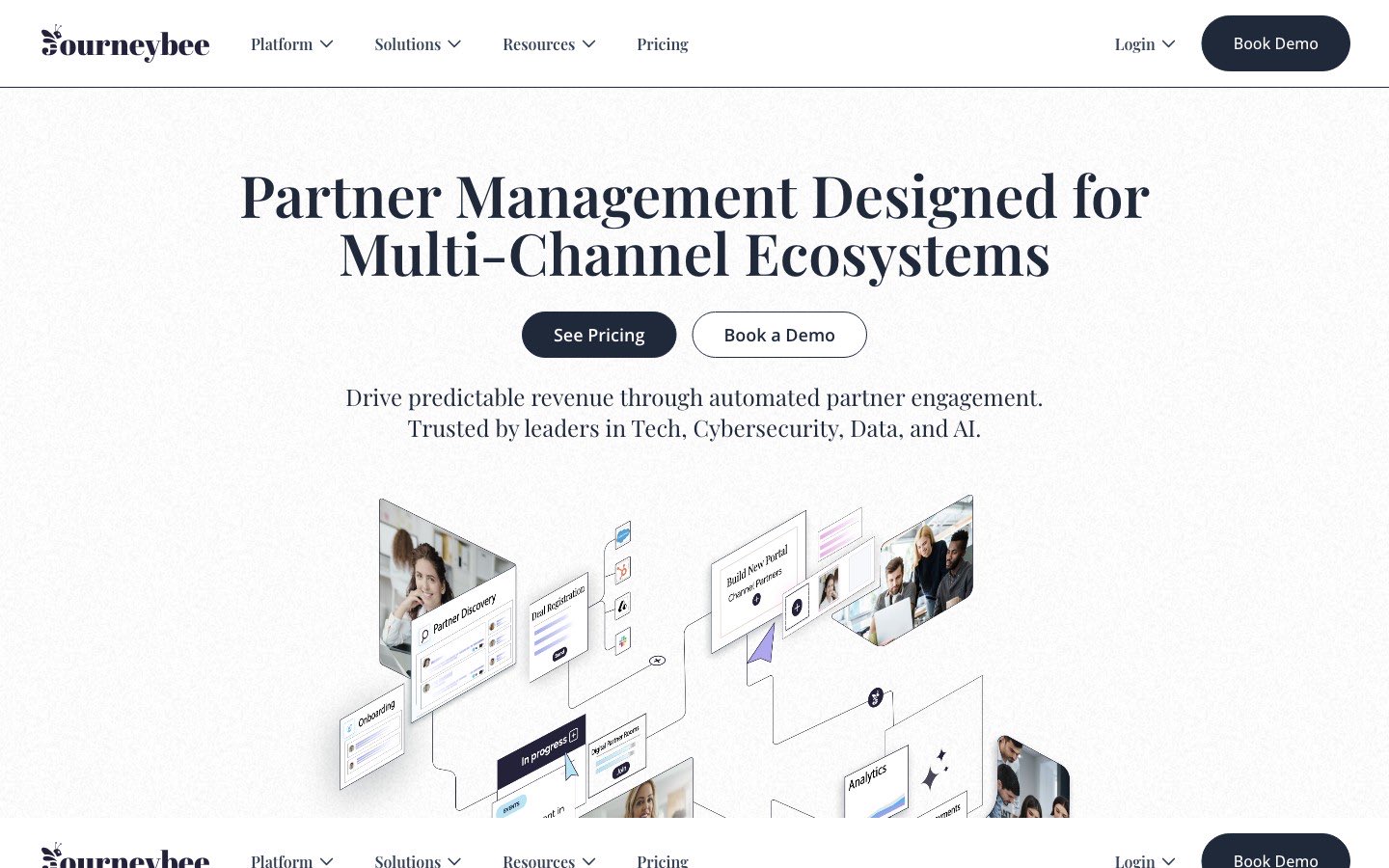
Best for: teams running several partner types at once (referral, reseller, distributor, affiliate) on Salesforce. Not ideal for: teams that want the lowest starting price or a single, simple partner motion.
- Salesforce integration: Native, delivered through a managed package with sandbox and My Domain support and partner/deal imports. JourneyBee leads, deals, partners, and contacts sync two ways with Salesforce Leads, Contacts, Accounts, and Opportunities, driven by your own field and stage mapping, and it can import existing partners and deals on connect.
- Custom objects: Handled through JourneyBee’s configurable mapping rather than full schema mirroring.
- Pricing: starts around $499/month (roughly €499 for 3 users with unlimited partners).
- Bottom line: a capable native Salesforce option if you juggle several partner types and want managed-package depth, provided the ~$499 entry point fits your budget.
Learn more: JourneyBee.
Introw
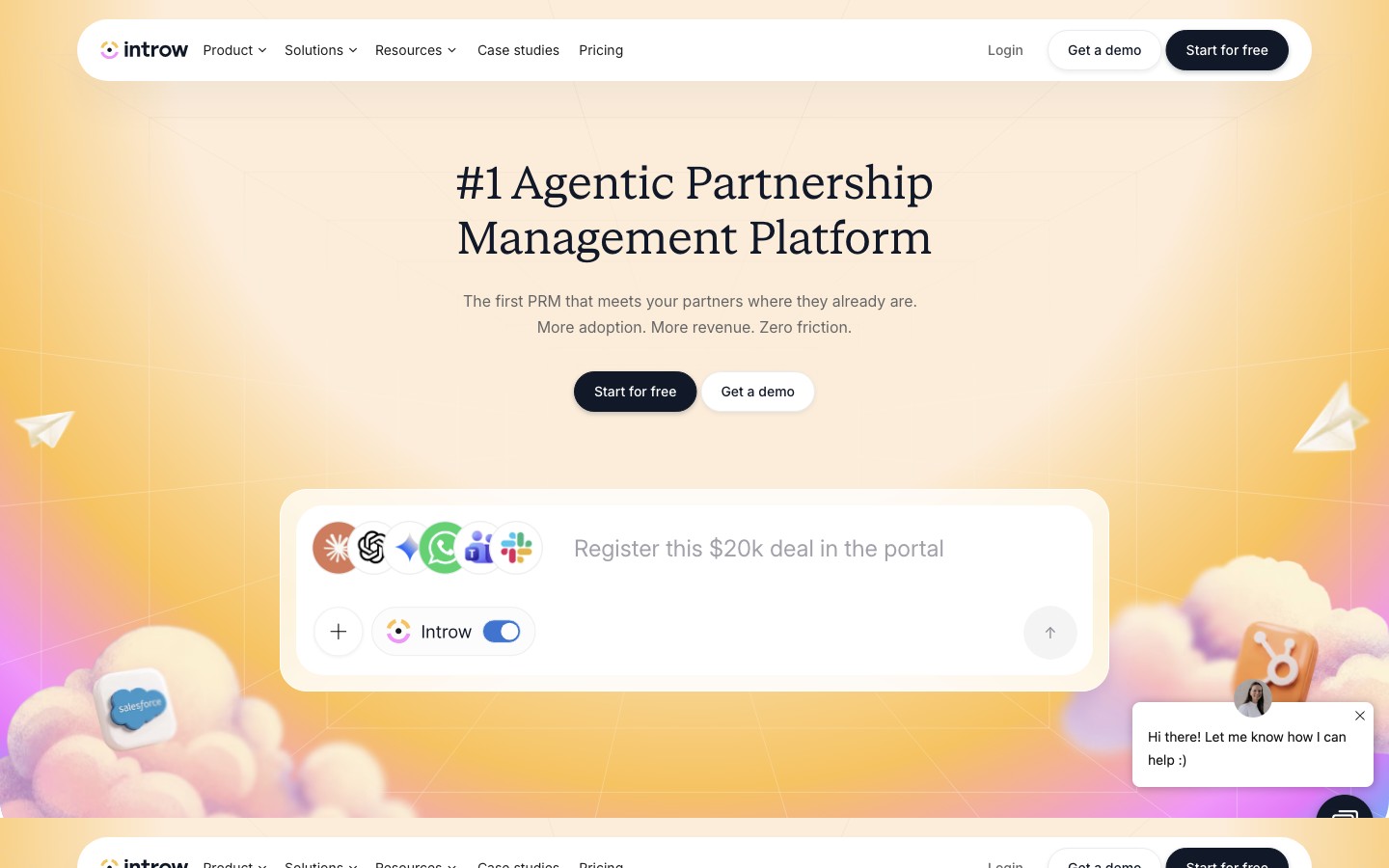
Best for: Salesforce teams that want an AI-native, headless PRM their reps run from inside Salesforce and partners run from their own CRM. Not ideal for: very small teams on Introw’s entry tier, since Salesforce is gated to higher plans.
- Salesforce integration: One of the most Salesforce-native tools here. Introw is AppExchange-listed and puts a collaboration card directly on Salesforce Opportunity and Case records; reps co-sell, comment, and share from the record, and partner comments flow into Salesforce Chatter. It syncs opportunities, leads, cases, and custom objects in real time, reading whatever attribution model you already use (a picklist, an Account lookup, the OpportunityPartner junction, or a custom Partner object). Its Partner Connect feature lets partners who run their own Salesforce co-sell from their org — no portal login.
- Custom objects: Fully supported — Introw reads and writes custom objects and attributes through them.
- Pricing: free Starter (1 partner) and Pro at $329/month; Salesforce requires the Scale tier at $499/month or above; Enterprise custom.
- Bottom line: the best fit if you want partner collaboration to live inside Salesforce (and your partners’ CRMs) rather than in a separate portal — just note Salesforce is a higher-tier feature.
Learn more: Introw.
Best PRMs for Salesforce: mid-market
A step up in capability, for programs that have grown past a starter PRM but don’t need — or want to pay for — a full enterprise channel suite.
PartnerStack
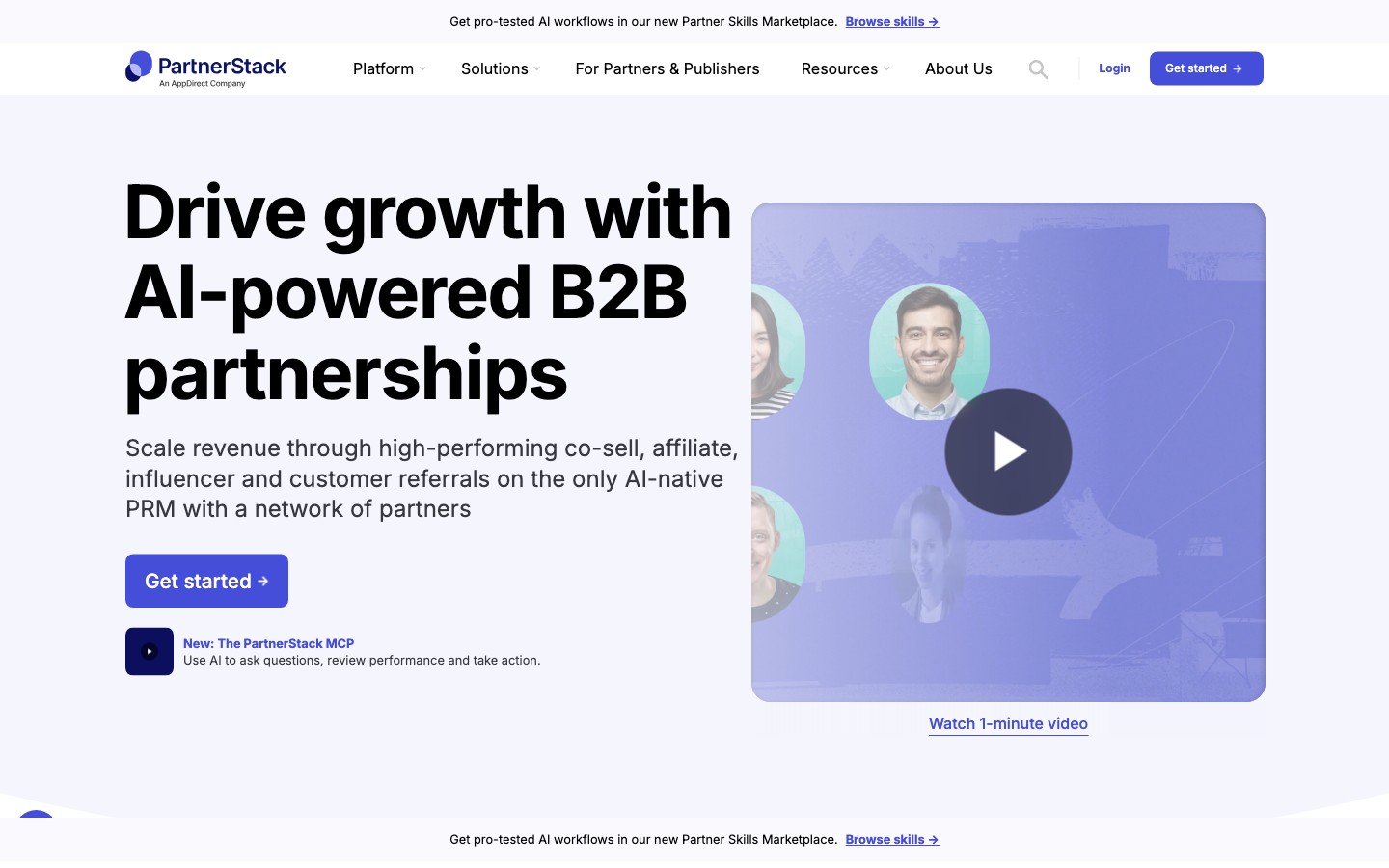
Best for: SaaS companies scaling affiliate, referral, and co-sell partners that want a built-in partner network plus automated payouts. Not ideal for: teams that want a lightweight, low-cost, self-serve setup, or heavy MDF/TCMA.
- Salesforce integration: Native, connecting partner and CRM data so partner-submitted leads and registered deals create and update the matching Salesforce records. As with its HubSpot integration, deeper record syncing is configured with PartnerStack’s team rather than being fully self-serve.
- Custom objects: Handled through its configurable integration rather than a native custom-object mapping.
- Pricing: not publicly listed. Third-party data (Vendr) puts Starter around $500–$1,200/month and mid-market/enterprise around $1,500–$4,000+/month, plus a 3–15% payout fee.
- Bottom line: the Salesforce-compatible PRM to beat for scaling affiliate and referral volume — worth it if you can absorb the cost and assisted setup, and your motion is payouts rather than co-marketing.
Learn more: PartnerStack.
Magentrix
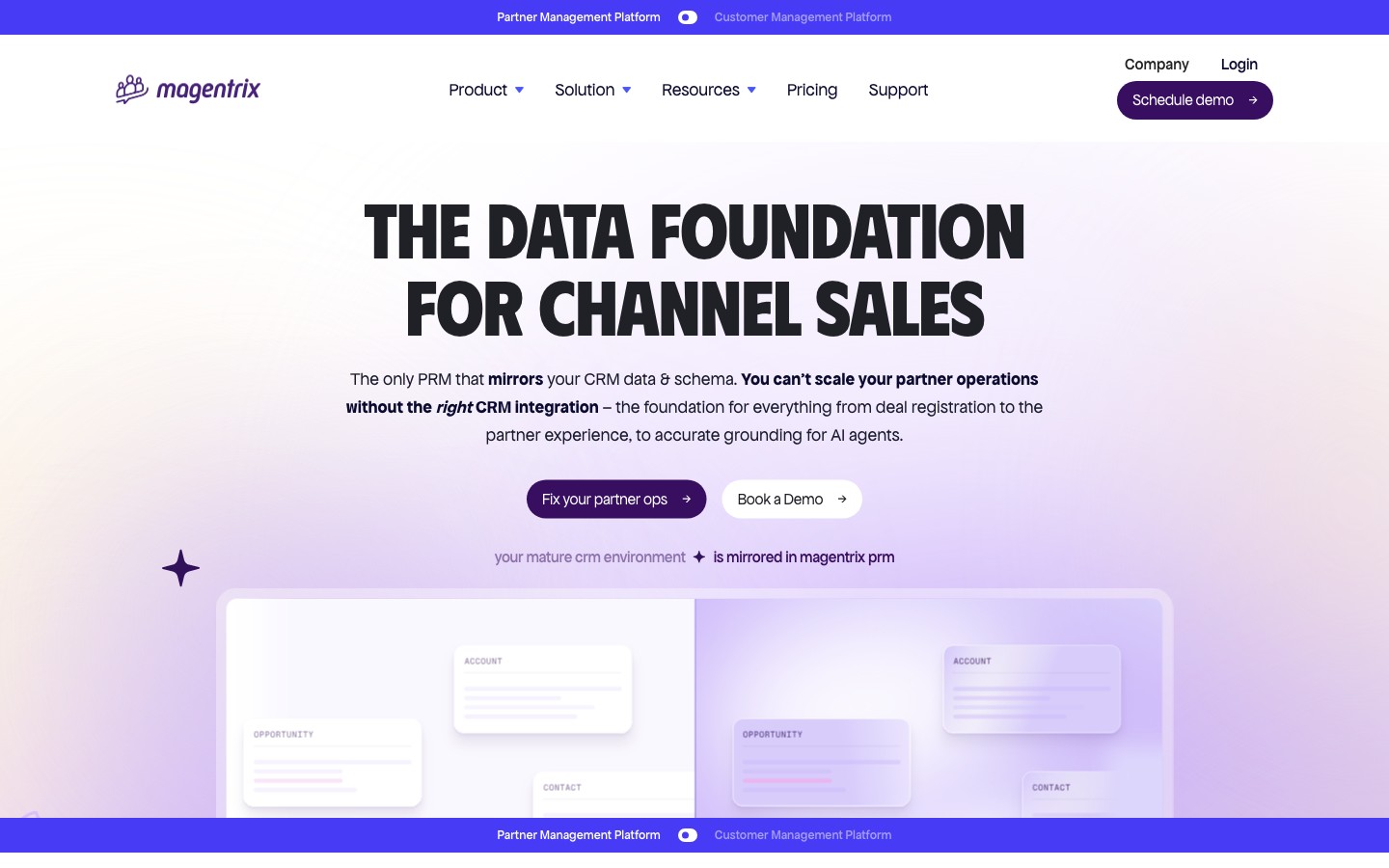
Best for: mid-market to enterprise Salesforce shops that want a deeply customizable partner portal that reflects their exact Salesforce data model. Not ideal for: small teams that want “launch in an afternoon” simplicity.
- Salesforce integration: This is Magentrix’s signature strength, and the reason it’s the closest thing to Experience Cloud without being Salesforce. Instead of field mapping, Magentrix mirrors your Salesforce schema — custom objects, fields, record types, picklists, and validation rules — and commits every create, update, and delete to Salesforce first, so your Salesforce IDs, triggers, and formulas run before anything reaches the portal. Sync runs every 15 minutes by default and can go down to one minute.
- Custom objects: Full mirroring on the Advanced and Unlimited plans (standard objects on Essentials) — nothing to remap when your schema changes.
- Pricing: Essentials starts around $1,500/month (billed annually); custom objects and managed packages are on the higher tiers.
- Bottom line: the strongest pick for heavily customized Salesforce orgs that want a near-native portal without licensing Experience Cloud — but it’s more configuration than a small program needs.
Learn more: Magentrix.
Best PRMs for Salesforce: enterprise
For large, multi-tier channel programs that need governance, incentive automation (MDF, rebates, SPIFFs), and enterprise support — sold by quote and rolled out as real implementation projects.
Impartner
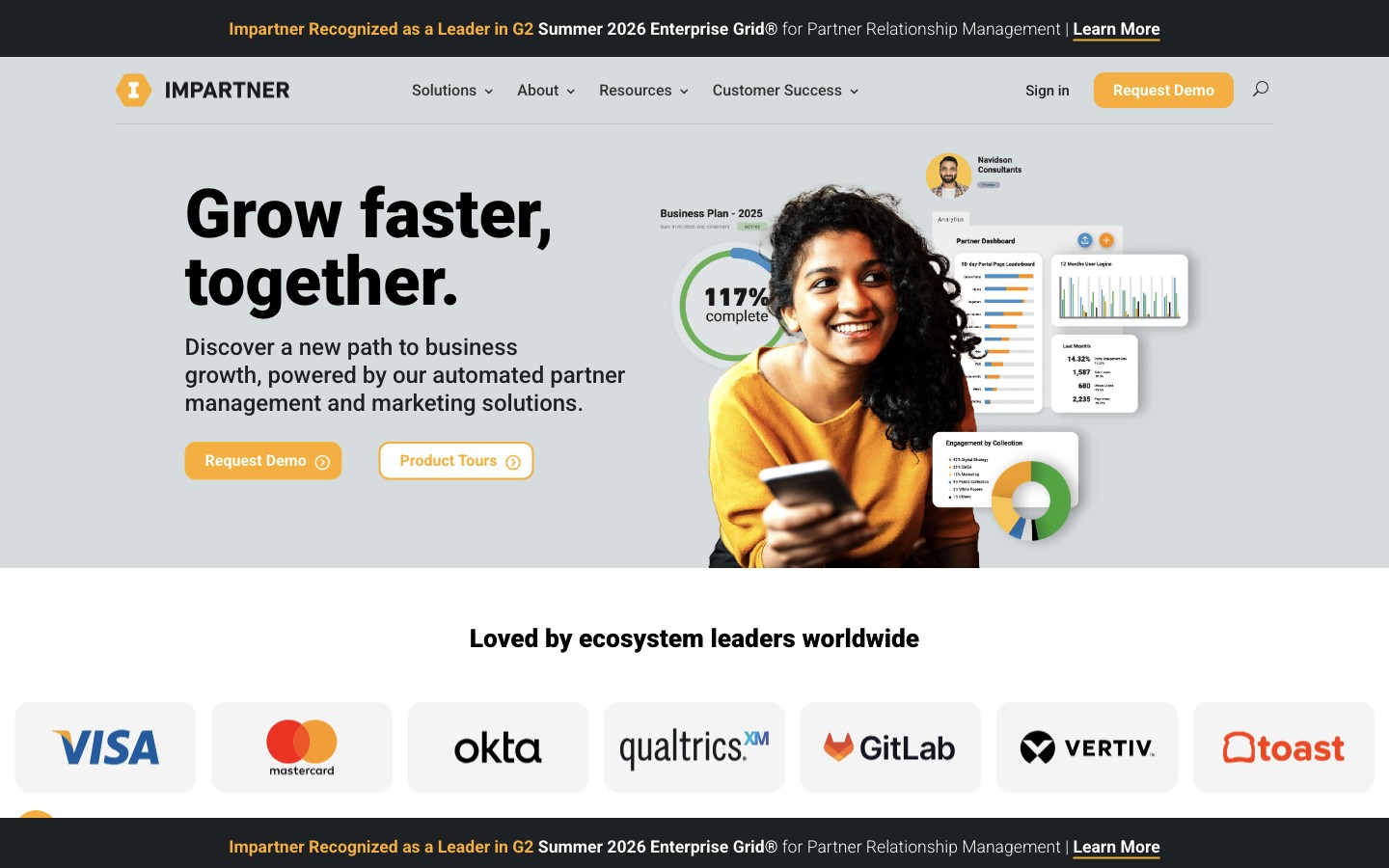
Best for: large channel programs that want deep partner governance with partner data synced into Salesforce in real time. Not ideal for: small teams that want speed, simplicity, and self-serve pricing.
- Salesforce integration: Among the deepest on this list, and one of the oldest — Impartner’s Salesforce managed package has been AppExchange-approved for over a decade, is Lightning Ready, and installs without counting against your org limits. Its CRM Sync engine does real-time, bi-directional sync of partner leads, opportunities/deal registrations, accounts, and custom objects, with field-by-field control over sync direction.
- Custom objects: Full support — map to any standard or custom Salesforce object or field.
- Pricing: custom, quote-based; enterprise editions commonly start around $25k/year.
- Bottom line: the enterprise Salesforce option when you need governance, MDF, and a mature, decade-proven managed package — far more than a small or first-time program should take on.
Learn more: Impartner.
ChannelScaler / Allbound
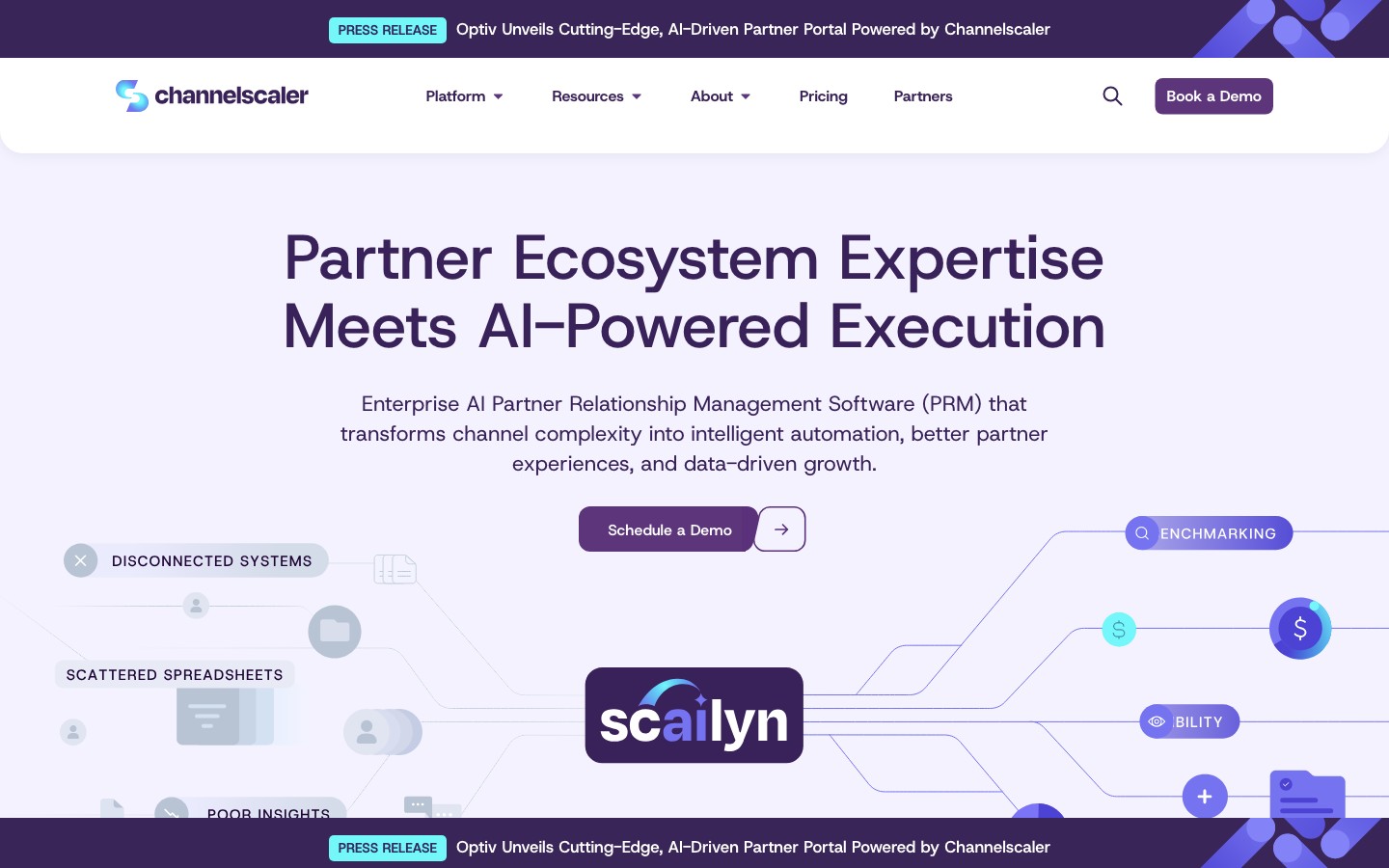
Best for: mid-market-to-enterprise channel programs that need enablement, co-sell, and deep incentive automation across multi-tier ecosystems. (Allbound acquired Channel Mechanics in 2024 and rebranded to ChannelScaler in 2025.) Not ideal for: ultra-lightweight programs that want self-serve setup with minimal admin.
- Salesforce integration: Native and long-standing — ChannelScaler grew up Salesforce-native, syncing partner records, deal registrations, and opportunity data in real time, with standard and custom object support and SSO.
- Custom objects: Supported alongside standard objects.
- Pricing: custom, quote-based; commonly $20k–$40k/year.
- Bottom line: a strong enterprise Salesforce choice when deep incentive automation and multi-tier structure outweigh the appeal of fast, self-serve setup.
Learn more: ChannelScaler.
ZINFI
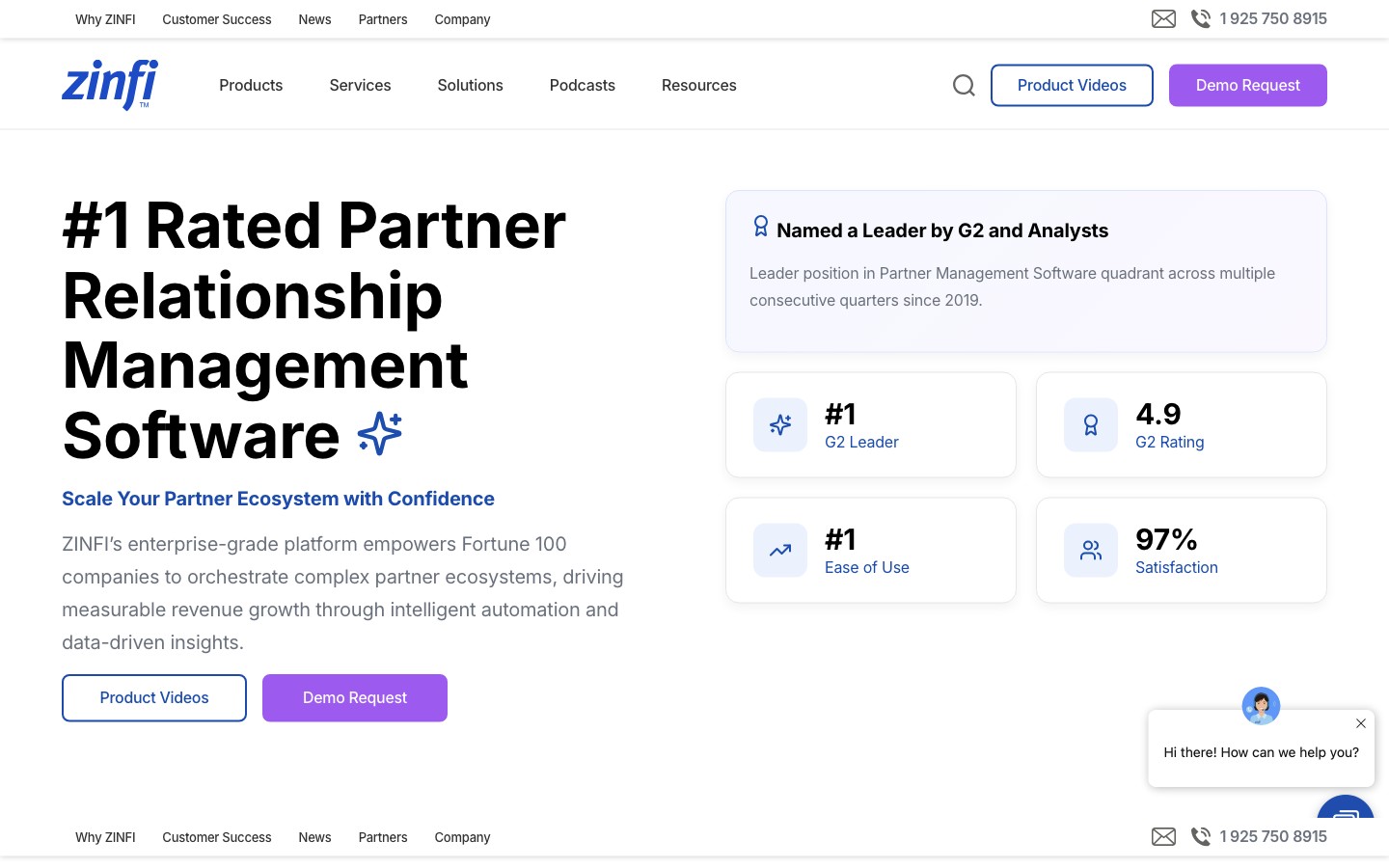
Best for: enterprise channel programs that need PRM plus through-channel marketing (TCMA) alongside Salesforce. Not ideal for: SMBs or teams optimizing for simplicity and price.
- Salesforce integration: Native, and the first of ZINFI’s nine CRM connectors. Automates deal registration into Salesforce and syncs leads, accounts, and opportunities two ways, with field mapping and workflow automation, inside its broader Unified Partner Management suite.
- Custom objects: Handled through the connector’s mapping.
- Pricing: custom, quote-based; typically starts around $20,000/year, often plus implementation.
- Bottom line: the enterprise pick for pairing PRM with through-channel marketing across a large, global partner base running on Salesforce.
Learn more: ZINFI.
Unifyr

Best for: enterprise channel programs that want PRM plus TCMA and partner enablement in one suite, connected to Salesforce. (Zift Solutions rebranded to Unifyr in 2024.) Not ideal for: SMBs or teams that want a lightweight, fast-to-launch tool.
- Salesforce integration: Native and bi-directional — partner deals, accounts, and contacts flow both ways with Salesforce so partner-sourced revenue shows up alongside direct revenue with attribution and tier preserved.
- Custom objects: Handled through the connector’s mapping; confirm scope during a demo.
- Pricing: custom, quote-based; enterprise-tier.
- Bottom line: a mature PRM + TCMA + partner-marketing suite for Salesforce-based enterprises — considerably more platform than most SMB or mid-market programs will use.
Learn more: Unifyr.
Salesforce PRM: build it inside Salesforce
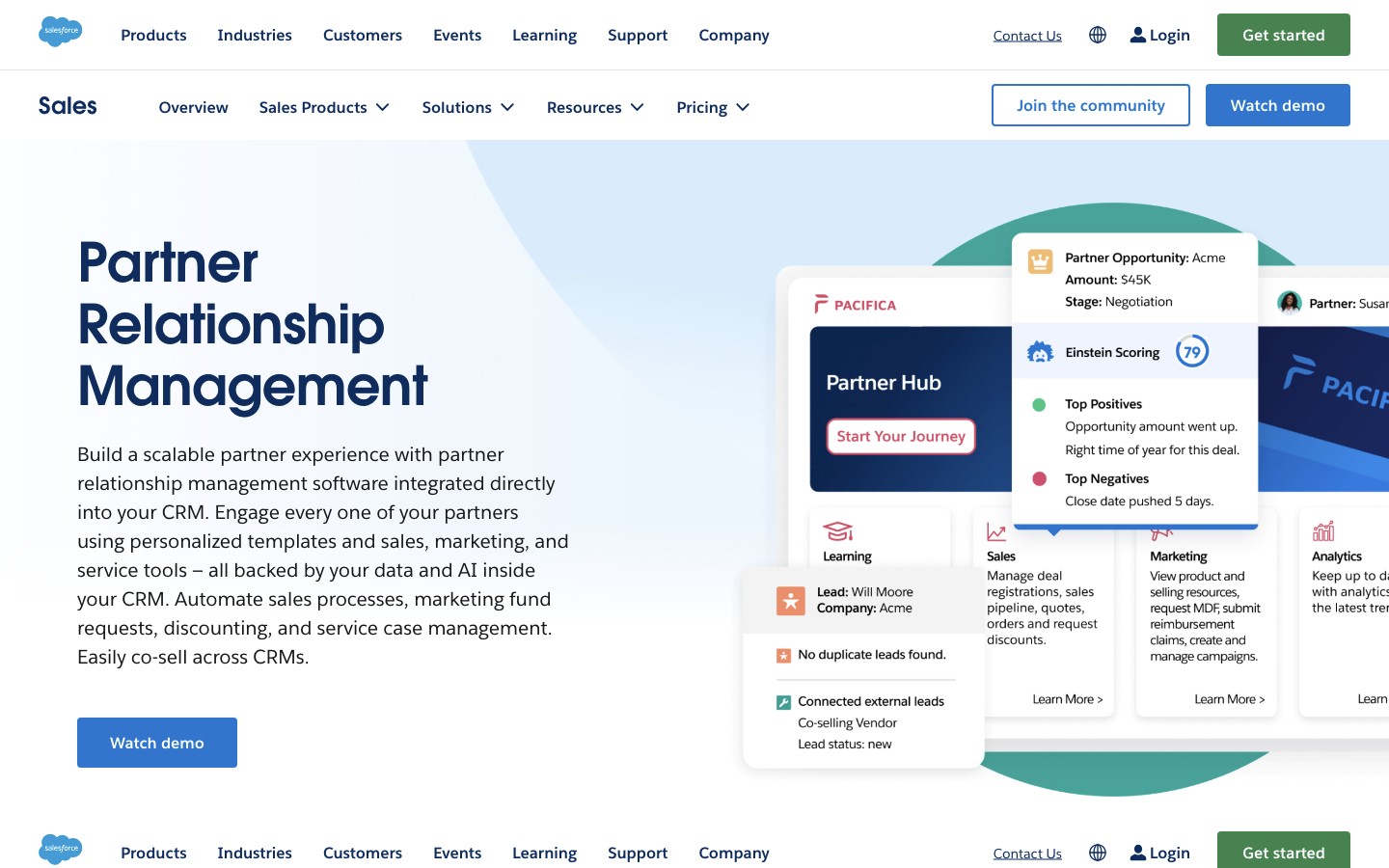
Best for: organizations that are all-in on Salesforce and want partners working in the same system of record as their team — with the admin and budget to support it. Not ideal for: teams that want a fast, low-cost launch, or that don’t already run Salesforce.
Unlike every other tool here, Salesforce PRM (now part of Partner Cloud) isn’t a PRM that integrates with Salesforce — it’s a partner portal built directly on Experience Cloud, so there’s no integration to maintain and no second database. Partners and your team share one data model, which is its defining advantage: partner-sourced opportunities are just Salesforce opportunities, and your channel and direct pipeline live in one place.
- What you get: an Experience Cloud partner portal with deal management/registration, lead distribution, channel analytics, and — on the higher Partner Ecosystem Management (PEM) tier — partner enablement (Partner Tracks), incentives and loyalty, B2B referrals, account plans, and AI (Einstein, Agentforce for Partners).
- The real cost. The advertised $25/member/month (PRM) or $50/member/month (PEM), billed annually, is only part of it. PRM requires an underlying Sales Cloud Enterprise Edition license (commonly ~$165/user/month) for your internal team, and the sticker price is dwarfed by implementation, admin/developer expertise, and ongoing maintenance. Expect a steep learning curve and, usually, an implementation partner.
- Partner licensing. Partners are licensed per member or per login, so cost scales with your partner base — the opposite of the on-top PRMs above, where partners need no Salesforce seat at all.
- Bottom line: if you already live in Salesforce and have the resources to build and maintain it, Salesforce PRM’s single-system-of-record model is hard to beat. If speed, cost, or admin load is a concern — or you want to keep the option of changing CRMs later — a PRM on top of Salesforce (like the SMB tools above) will get you live faster and cheaper. For a fuller picture, see the best PRM software roundup.
How to set up a PRM with Salesforce
With a native on-top PRM, connecting Salesforce takes minutes. Using PartnerPortal as the example:
- In your portal, open Integrations and click Enable Salesforce, then sign in and approve the connection. On connect, PartnerPortal auto-maps sensible defaults — objects and Opportunity stages mapped, won/lost detected from Salesforce’s own flags — so it works right away.
- Review the mapping: which Salesforce objects to create (Opportunity, Account, Contact, or a Lead to convert later), which is the primary object, and how your portal phases map to Opportunity stages. Map any custom fields or custom objects you need.
- Turn on Sync Deal Details Back to PartnerPortal if you want Salesforce updates (stage, close value, close date, won/lost) to flow into the portal, and choose whether records are created on approval or after your team validates the lead in Salesforce.
The full walkthrough — connecting, object and field mapping, stage mapping, sync settings, and the permissions your Salesforce user needs — is in our guide to how to integrate Salesforce with PartnerPortal.
Related reading
- Best PRM Software in 2026 — the full comparison across every major PRM, not just Salesforce-compatible ones.
- Best PRM for HubSpot — the other CRM almost every PRM supports, with the same segment-first breakdown.
- Best PRM for Pipedrive, Best PRM for Zoho, and Best PRM for Attio — where native support is scarce and the calculus is different.
- Most Affordable PRM Software in 2026 — PRMs ranked by real cost, including the hidden fees to watch for.
- How to Integrate Salesforce with PartnerPortal — step-by-step setup, object mapping, and sync settings.
Ready to run your partner program on Salesforce? Claim your free portal or explore the CRM integrations.
Frequently asked questions
Which PRMs integrate with Salesforce?
Nearly all of them — Salesforce is the CRM the PRM category grew up around, so native, often deep, Salesforce integration is close to universal. PartnerPortal, Kiflo, JourneyBee, Introw, PartnerStack, Magentrix, Impartner, ChannelScaler (Allbound), ZINFI, and Unifyr all connect to Salesforce natively, and several ship AppExchange-listed managed packages. Salesforce also has its own native option, Salesforce PRM (Partner Cloud), built directly on Experience Cloud. Because native support is a given, the real decision is architectural and about fit, not whether a tool works with Salesforce.
What's the best PRM for Salesforce?
It depends on whether you want to build partner management inside Salesforce or run a dedicated PRM on top of it. If you're all-in on Salesforce and have admin and budget for it, Salesforce PRM (Experience Cloud) keeps everything in one system. If you'd rather launch fast and avoid per-partner Salesforce licensing, a PRM on top of Salesforce is usually better: PartnerPortal, Kiflo, JourneyBee, and Introw for startups and SMBs; PartnerStack or Magentrix for mid-market; Impartner, ChannelScaler, ZINFI, or Unifyr for enterprise channel programs.
Should I use Salesforce PRM or a third-party PRM on top of Salesforce?
Salesforce PRM (Partner Cloud) puts partners and your team in one system of record with no syncing, which is its biggest advantage — but it requires an underlying Sales Cloud Enterprise license, per-member partner licensing, and real admin or implementation resources, and it has a steep learning curve. A third-party PRM sits on top of Salesforce, launches in days, doesn't require Salesforce seats for partners, and is usually far cheaper — at the cost of maintaining a sync between two systems. Choose in-Salesforce for deep governance and a pure Salesforce shop; choose on-top for speed, lower cost, and simplicity.
Do my partners need Salesforce licenses to use a PRM for Salesforce?
Only with Salesforce PRM itself, which licenses external partners per member or per login on Experience Cloud. Every third-party PRM here avoids that: partners work in the PRM's portal (or, with CRM-first tools like Introw, in their own CRM), and the PRM syncs partner-sourced opportunities into your Salesforce on your team's behalf. Avoiding per-partner Salesforce licensing is one of the main financial reasons teams run a PRM on top of Salesforce rather than adding partner seats.
Does a PRM sync two ways with Salesforce, including custom objects?
Most native Salesforce PRMs sync two ways — they create the Opportunity, Account, and Contact when a partner-sourced lead is approved, then sync stage, amount, close date, and won/lost status back so partners see current status. Salesforce is also where custom-object support is richest: PartnerPortal reads your full Salesforce schema and can map partner data onto Accounts or custom objects; Introw and Impartner attribute and sync through custom objects; and Magentrix mirrors your Salesforce schema — custom objects, record types, and validation rules included — rather than field-mapping. Confirm the exact depth and sync direction on each vendor's site.
What's the difference between Salesforce PRM and Magentrix?
Both give partners a Salesforce-native experience, but differently. Salesforce PRM is built directly on Experience Cloud — it is Salesforce. Magentrix sits just outside Salesforce and mirrors your schema (objects, fields, record types, validation rules), committing every write to Salesforce first, so it behaves almost like a Salesforce-native portal without being one. Magentrix is often positioned as the more configurable, lower-cost alternative to Experience Cloud for heavily customized Salesforce orgs.
Is there a free PRM for Salesforce?
Yes. PartnerPortal offers a genuinely free tier — not a time-limited trial — with a native Salesforce integration, so you can launch a real partner portal and sync partner-sourced opportunities into Salesforce without paying. Introw also has a free Starter plan, though its Salesforce integration is on higher tiers. Salesforce PRM and most enterprise PRMs have no free option.