
Best PRM for HubSpot in 2026
The best PRM software for HubSpot in 2026. Nearly every PRM integrates with HubSpot natively, so this guide compares them by program size, features, and price — plus the HubSpot-specific depth (two-way sync, importing deals, custom objects) that separates them.

HubSpot is one of the two CRMs almost every partner program runs on — and, unlike Pipedrive, Zoho, or Attio, almost every PRM (partner relationship management) tool integrates with it natively. That changes the buying question. For a niche CRM, the hard part is finding a PRM that supports it at all. For HubSpot, native support is effectively table stakes — so the real decision is about program size, features, price, and how deep the HubSpot integration actually goes.
TL;DR: Nearly every PRM connects to HubSpot natively, so you’re free to choose on fit rather than on “does it work with HubSpot.” For startups and SMBs, the strongest HubSpot PRMs are PartnerPortal (free tier, native two-way sync, top plan at $399/mo), Kiflo, JourneyBee, and Introw. For mid-market programs scaling affiliate and referral at volume, PartnerStack and Magentrix come up most. For enterprise channel programs that need governance, MDF, and custom-object sync, look at Impartner, ChannelScaler (Allbound), ZINFI, and Unifyr. The one major PRM that doesn’t support HubSpot is Salesforce PRM, which runs on Salesforce by design.
Why “which PRM works with HubSpot” is the wrong question
If you’ve read our guides to the best PRM for Pipedrive, Zoho, or Attio, you’ll notice those pages spend most of their time on a single question: which PRMs support the CRM natively, and which only reach it through a Zapier workaround. For those CRMs, native support is genuinely scarce, so it’s the deciding factor.
HubSpot is the opposite. Along with Salesforce, it’s one of the two CRMs the entire PRM category is built around. Nearly every tool here ships a native, purpose-built HubSpot integration — usually a listed app in the HubSpot App Marketplace — that creates and updates HubSpot Deals, Contacts, and Companies without middleware. So “does it integrate with HubSpot?” almost never narrows the field.
That’s good news: it means a HubSpot shop can choose a PRM on the dimensions that actually shape day-to-day use — program size and complexity, partner features, ease of use and time-to-launch, and price — instead of settling for whichever tool happens to connect. The rest of this guide is organized that way: by the size of program each tool fits best, with the HubSpot-specific integration details layered in so you can still weigh them where they matter.
What actually separates HubSpot PRMs
When every option connects to HubSpot natively, the differences move to how they connect. Five things are worth checking:
- Portal-first vs. HubSpot-first (headless). A portal-first PRM gives partners a branded portal to log into and treats HubSpot as the synced system of record (PartnerPortal, Kiflo, and most enterprise tools). A HubSpot-first PRM keeps the workflow inside HubSpot — reps and sometimes partners register and update deals from a card on the HubSpot record, with minimal or no separate portal (Introw; PartnerStack’s Network Connect app). Which is right depends entirely on whether your partners will use a portal or would rather work where they already are.
- How deep the two-way sync goes. Almost everyone says “two-way.” What differs is which fields flow back from HubSpot (stage, amount, close date, custom fields, notes), and whether updates are real-time or batched.
- Whether it can import HubSpot deals as partner leads. Most PRMs push out to HubSpot. Fewer can also read your existing HubSpot deals and turn them into attributed partner leads — useful when partner-sourced pipeline already lives in HubSpot.
- HubSpot custom objects. Enterprise tools can sync custom objects into HubSpot; most SMB tools stick to the standard Deal/Contact/Company shape. Remember that HubSpot custom objects require a HubSpot Enterprise plan, so this only matters at the top end.
- Do partners need HubSpot seats? With every tool here the answer is no — but a couple (Introw, PartnerStack) additionally let partners who have their own HubSpot co-sell from it.
HubSpot PRM comparison table
Every tool below integrates with HubSpot natively. Use this to scan by segment and HubSpot depth, then read the sections. Pricing is approximate, as of 2026, and should be confirmed on each vendor’s site.
| PRM | Best for | HubSpot style | Two-way sync | Import HubSpot deals | Custom objects | Price range* | Free |
|---|---|---|---|---|---|---|---|
| PartnerPortal | Startup–mid-market | Portal-first | ✅ Stage, value, close date | ✅ Yes (beta) | ⚠️ Partial (outbound) | Free – $399/mo | Yes |
| Kiflo | Startup–SMB | Portal-first | ✅ Per-field sync rules | ⚠️ Limited | ❌ | $399/mo – Custom | 14-day trial |
| JourneyBee | SMB–mid-market | Portal + in-HubSpot widget | ✅ Fields, stages, notes | ✅ Yes | ⚠️ Property groups | ~$499/mo – Custom | Demo only |
| Introw | SMB–mid-market | HubSpot-first (headless) | ✅ Fields, stages | ✅ Yes | ✅ Attribution | Free – Custom | Yes (Starter) |
| PartnerStack | Mid-market / scale | In-HubSpot app + assisted | ✅ Assisted (Workato) | ✅ Via recipes | ⚠️ Via Workato | $500 – $4,000+/mo (+ payout fee) | No |
| Magentrix | Mid-market–enterprise | Portal-first | ✅ Interval-based | — | ❌ (no HubSpot mirroring) | ~$1,500/mo+ | No |
| Impartner | Enterprise | Portal-first | ✅ Real-time, reciprocal | ✅ Yes | ✅ Full | ~$25k/yr+ | No |
| ChannelScaler / Allbound | Mid-market–enterprise | Portal-first | ✅ Real-time | ✅ Yes | ✅ Standard + custom | ~$20k – $40k/yr | No |
| ZINFI | Enterprise | Portal-first | ✅ Fields, deal reg | ✅ Yes | ⚠️ Connector mapping | ~$20k/yr+ | No |
| Unifyr | Enterprise | Portal-first | ✅ Daily sync | ✅ Yes | — | Custom (enterprise) | No |
| Salesforce PRM | Salesforce shops | ❌ No HubSpot | ❌ Not supported | ❌ | ❌ | ~$25/user/mo + SF | No |
*Pricing is approximate, as of 2026, and often depends on partner count — confirm current numbers on each vendor’s site. Note the spread: PartnerPortal is the only tool here with a permanently free tier and paid plans that top out at $399/month, while enterprise options run into five figures a year.
Best PRMs for HubSpot: startups & SMBs
These launch in days, publish their pricing, and don’t need a services project. If your partner program is new or still proving the motion, start here.
PartnerPortal
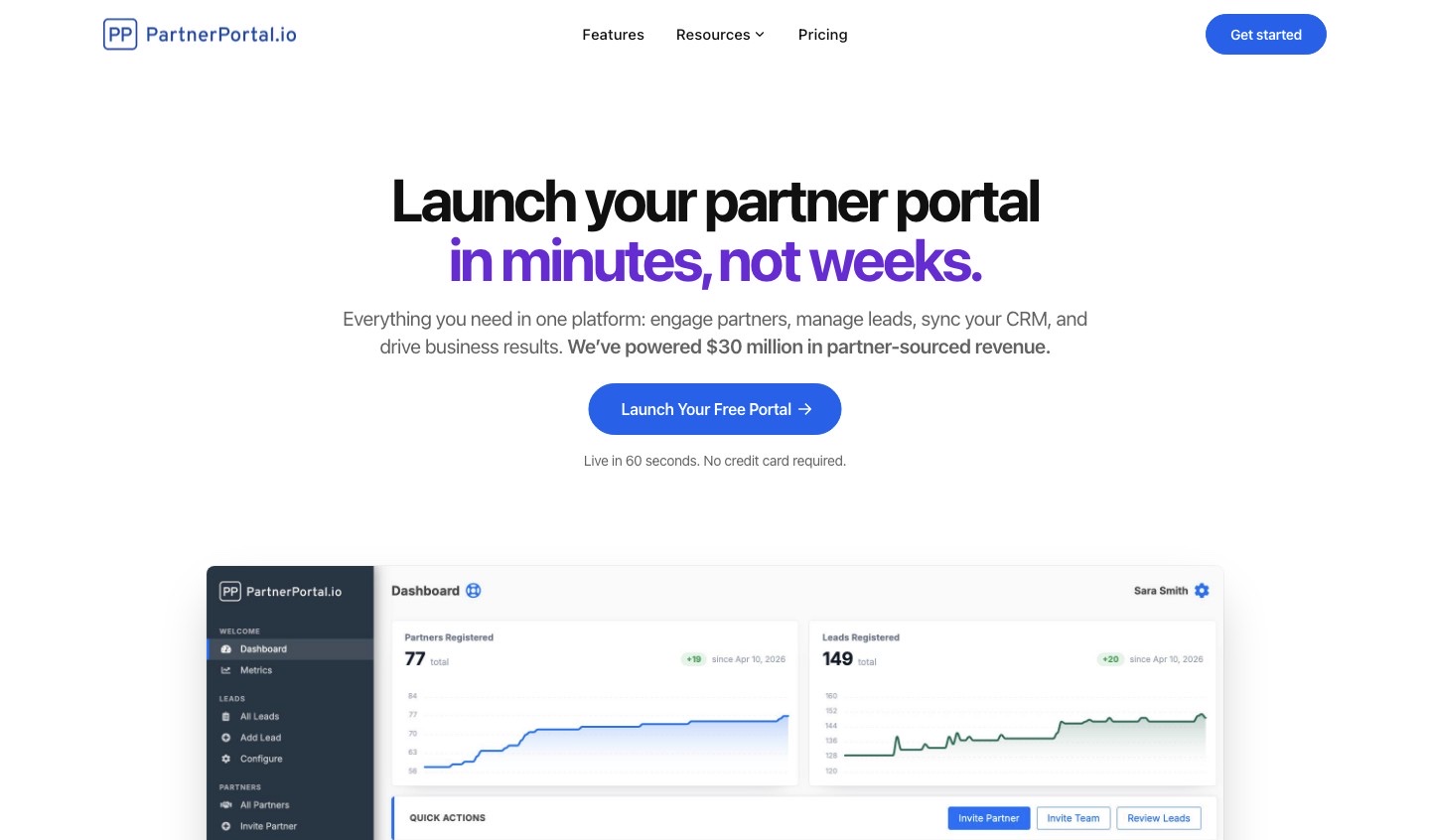
Full disclosure: PartnerPortal publishes this guide. We’ve held ourselves to the same standard — including the honest limits — as every other tool here.
Best for: SMB and mid-market teams that want a partner portal live on HubSpot quickly — and free to start. Not ideal for: buyers who need enterprise channel governance, deep MDF/TCMA, or full two-way custom-object sync.
- HubSpot integration: Native and, in practice, our deepest integration. When you approve a partner-sourced lead, PartnerPortal creates the Deal, Contact, and Company in HubSpot, then two-way sync flows stage, deal value, and close date back into the portal so partners always see current status. It also does the reverse direction: an optional feature can import existing HubSpot deals as partner leads, auto-attributing each to the right partner by domain, email, or a labeled association.
- Custom objects: Partial. PartnerPortal can write partner-sourced records into a HubSpot custom object, but custom-object support is more limited than its standard Deal/Contact/Company sync (and than its fuller Salesforce object mapping) — treat it as outbound, not a full two-way custom-object sync.
- Beyond HubSpot: native integrations for Salesforce, Pipedrive, Zoho, and Attio too — the broadest small/mid-CRM coverage on this list, so you’re not locked in if your stack changes.
- Also: lead/deal registration, partner tiers, flexible commissions, multi-currency, a built-in LMS, and no per-seat fees.
- Most affordable on this list. A permanently free tier (not a trial) and paid plans that top out at $399/month — while most native alternatives start around $499/month and enterprise PRMs run into five figures a year.
- Pricing: Free tier to launch a real portal; Professional at $249/month (up to 100 partners); Enterprise at $399/month for unlimited partners, leads, and team.
- Bottom line: the fastest, most affordable way to run a partner program on HubSpot, with genuine two-way sync and the option to start free — as long as you don’t need enterprise-grade custom-object sync or MDF.
Learn more: how to integrate HubSpot with PartnerPortal.
Kiflo

Best for: SMBs and growing SaaS teams on HubSpot or Salesforce that want a real PRM without enterprise overhead. Not ideal for: teams that need native support for a CRM other than HubSpot or Salesforce, or a built-in LMS.
- HubSpot integration: Native and genuinely two-way, with unusually granular control. Kiflo syncs Partners to Companies, Leads and Contacts to Contacts, Deals to Deals, and notes across both — and lets you set a per-field sync rule (prefer Kiflo, prefer HubSpot, or both ways) so you decide exactly which system wins for each field. Deal stages map between the two, and you choose whether contacts sync the moment a partner submits a lead or only once your team accepts it.
- Custom objects: Not supported — Kiflo works with HubSpot’s standard objects.
- The limit worth knowing: Kiflo’s native, two-way CRM integrations are HubSpot and Salesforce only. That’s not a constraint if HubSpot is your CRM, but it means no native path to Pipedrive, Zoho, or Attio if your stack changes.
- Pricing: Core starts at $399/month (billed annually, up to 50 active partners); unlimited partners are on custom Plus/Premier tiers; 14-day free trial.
- Bottom line: one of the strongest SMB HubSpot PRMs, with the most configurable field-level sync on this list — best when HubSpot is and will stay your CRM.
Learn more: Kiflo.
JourneyBee
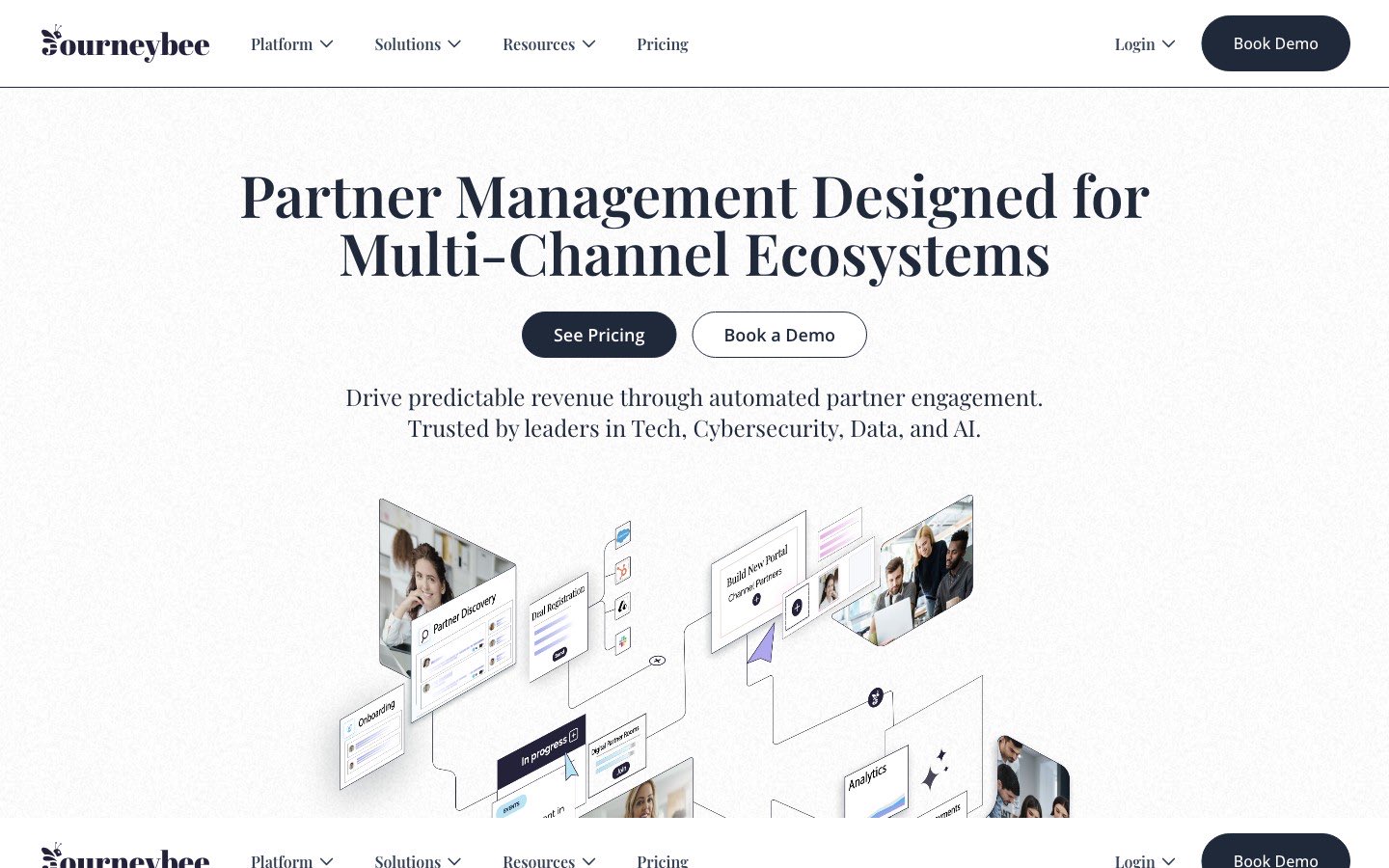
Best for: teams running several partner types at once (referral, reseller, distributor, affiliate) that want an embeddable HubSpot experience. Not ideal for: teams that want the lowest starting price or a single, simple partner motion.
- HubSpot integration: Native and deep. On connect, JourneyBee installs its own property group on your HubSpot Contact, Company, and Deal records and syncs two ways — fields, stages, and notes — with new records flowing out in real time and HubSpot changes pulled back on a short interval. It can also sync to HubSpot’s dedicated Lead object, route deals into specific pipelines, and even map commission calculations onto HubSpot deal fields. A HubSpot widget brings partner actions directly into the HubSpot record view.
- Custom objects: Handled through JourneyBee’s custom property groups rather than native HubSpot custom object types.
- Pricing: starts around $499/month (roughly €499 for 3 users with unlimited partners).
- Bottom line: a strong native HubSpot option if you juggle several partner types and want an embeddable, widget-in-HubSpot experience — at a higher starting price than the most budget SMB tools.
Learn more: JourneyBee.
Introw
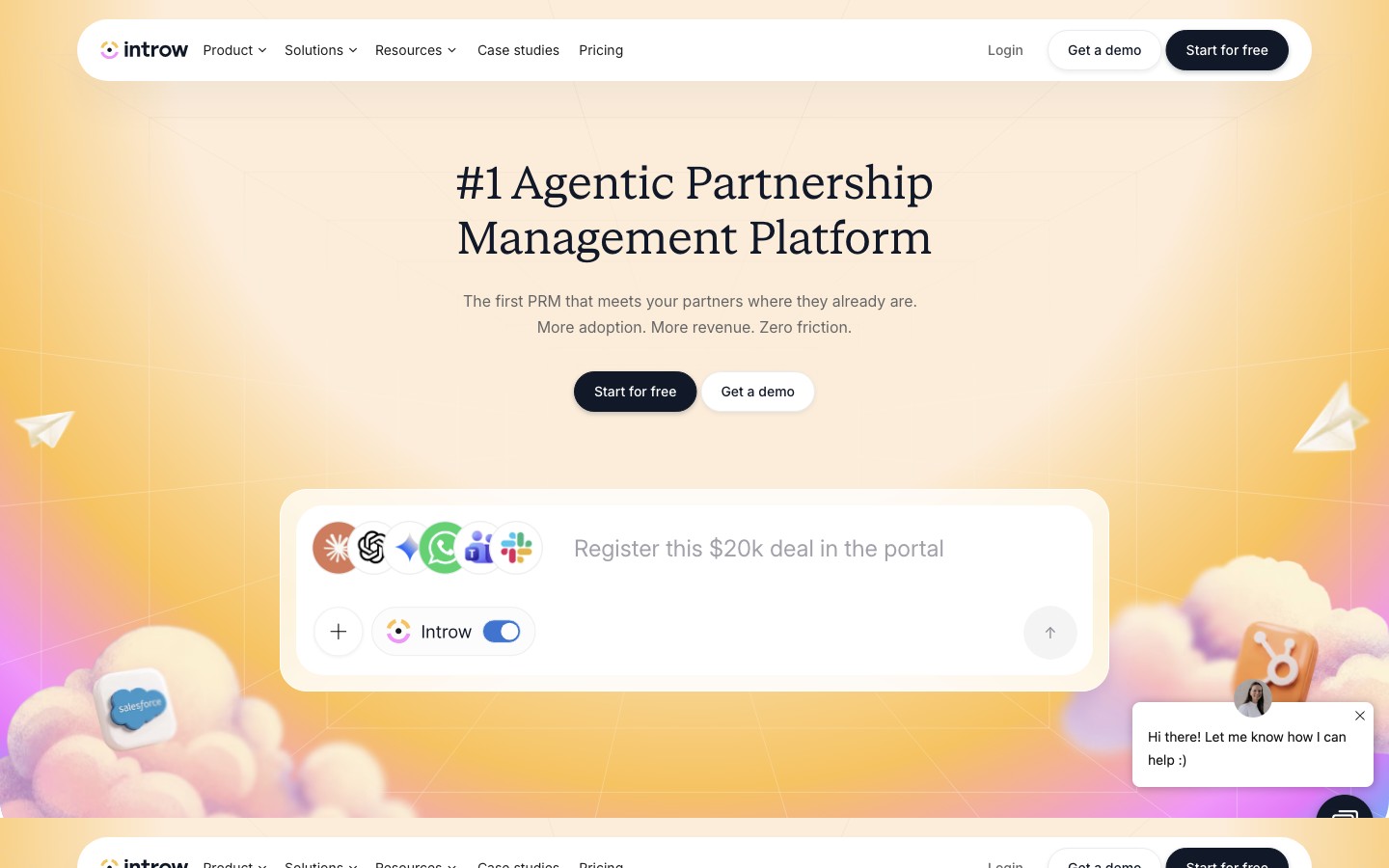
Best for: HubSpot-centric teams that want an AI-native, headless PRM they can run largely from inside HubSpot, Slack, or Teams. Not ideal for: teams that specifically want a heavyweight branded portal as the primary partner experience.
- HubSpot integration: The most HubSpot-first tool here. Introw is a HubSpot-certified app that positions itself as “the partner portal on top of HubSpot,” keeping HubSpot as the single source of truth. An Introw app card lives on your HubSpot deals, companies, and other objects, and its Partner Connect feature lets partners who use their own HubSpot register and co-sell deals from their CRM — no portal login required. It auto-detects partners from your HubSpot data and attributes deals through custom objects or association labels.
- Custom objects: Supported for partner attribution — Introw can read and attribute through HubSpot custom objects and association labels.
- Pricing: free Starter (1 partner); Pro at $329/month; Scale at $499/month (adds Salesforce); Enterprise custom.
- Bottom line: the best fit if you want partner collaboration to live inside HubSpot rather than in a separate portal, with AI and headless workflows built in.
Learn more: Introw.
Best PRMs for HubSpot: mid-market
More platform, for programs that have outgrown a starter tool but don’t need a full enterprise channel suite.
PartnerStack
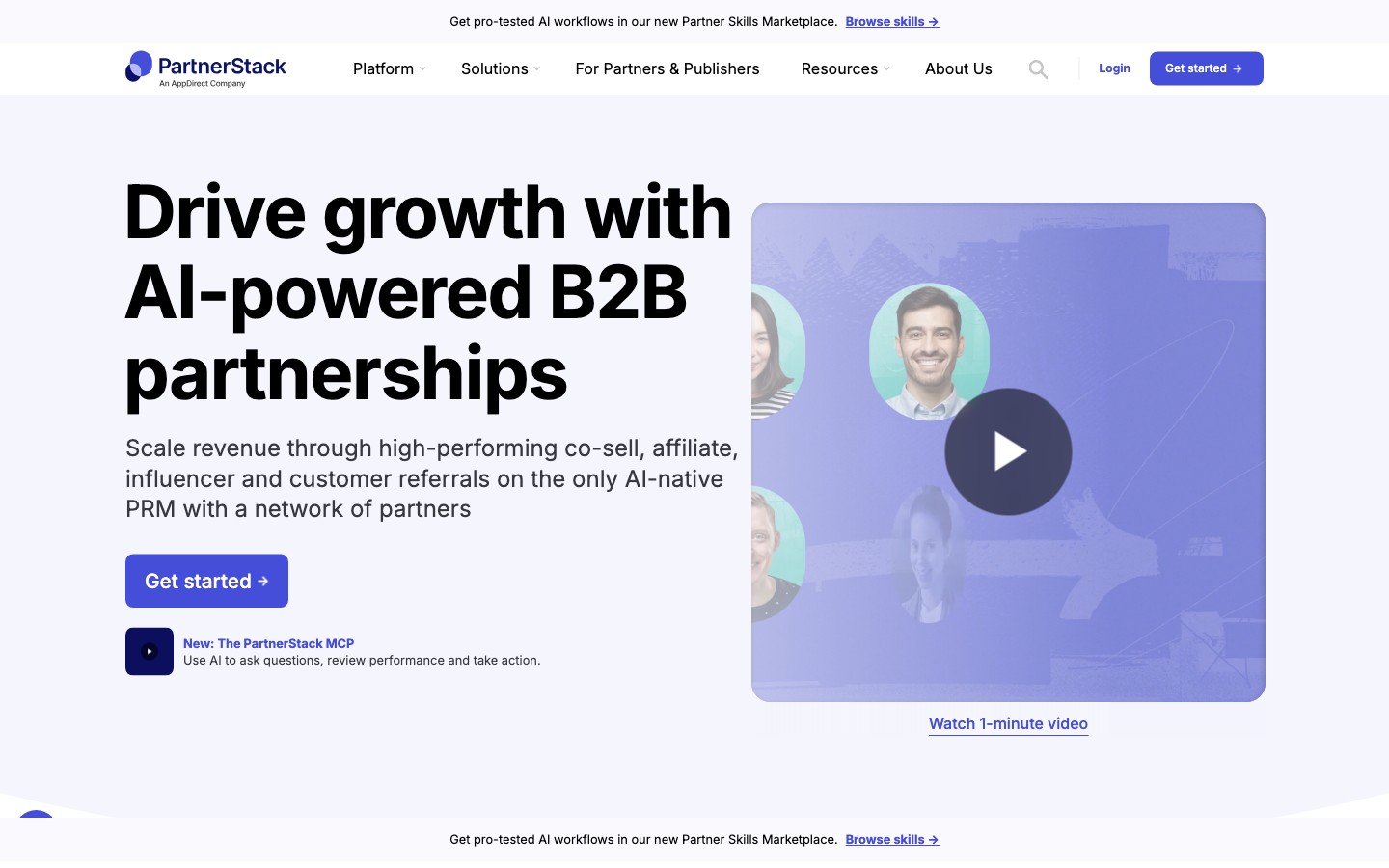
Best for: SaaS companies scaling affiliate, referral, and co-sell partners that want a built-in partner network plus automated payouts. Not ideal for: teams that want a lightweight, low-cost, self-serve setup.
- HubSpot integration: Two flavors. The free Network Connect app (in the HubSpot App Marketplace) puts a Referrals card directly on HubSpot deals, so your reps can submit referrals and co-sell with partners without leaving HubSpot. For deeper record syncing, PartnerStack offers a Workato-powered integration its onboarding team configures with you — purpose-built, but assisted rather than fully self-serve.
- Custom objects: Handled through the Workato-powered custom integration rather than a native custom-object mapping.
- Pricing: not publicly listed. Third-party data (Vendr) puts Starter around $500–$1,200/month and mid-market/enterprise around $1,500–$4,000+/month, plus a 3–15% payout fee.
- Bottom line: the best HubSpot-compatible PRM for scaling affiliate/referral at volume — if you can absorb the cost and the assisted setup.
Learn more: PartnerStack.
Magentrix
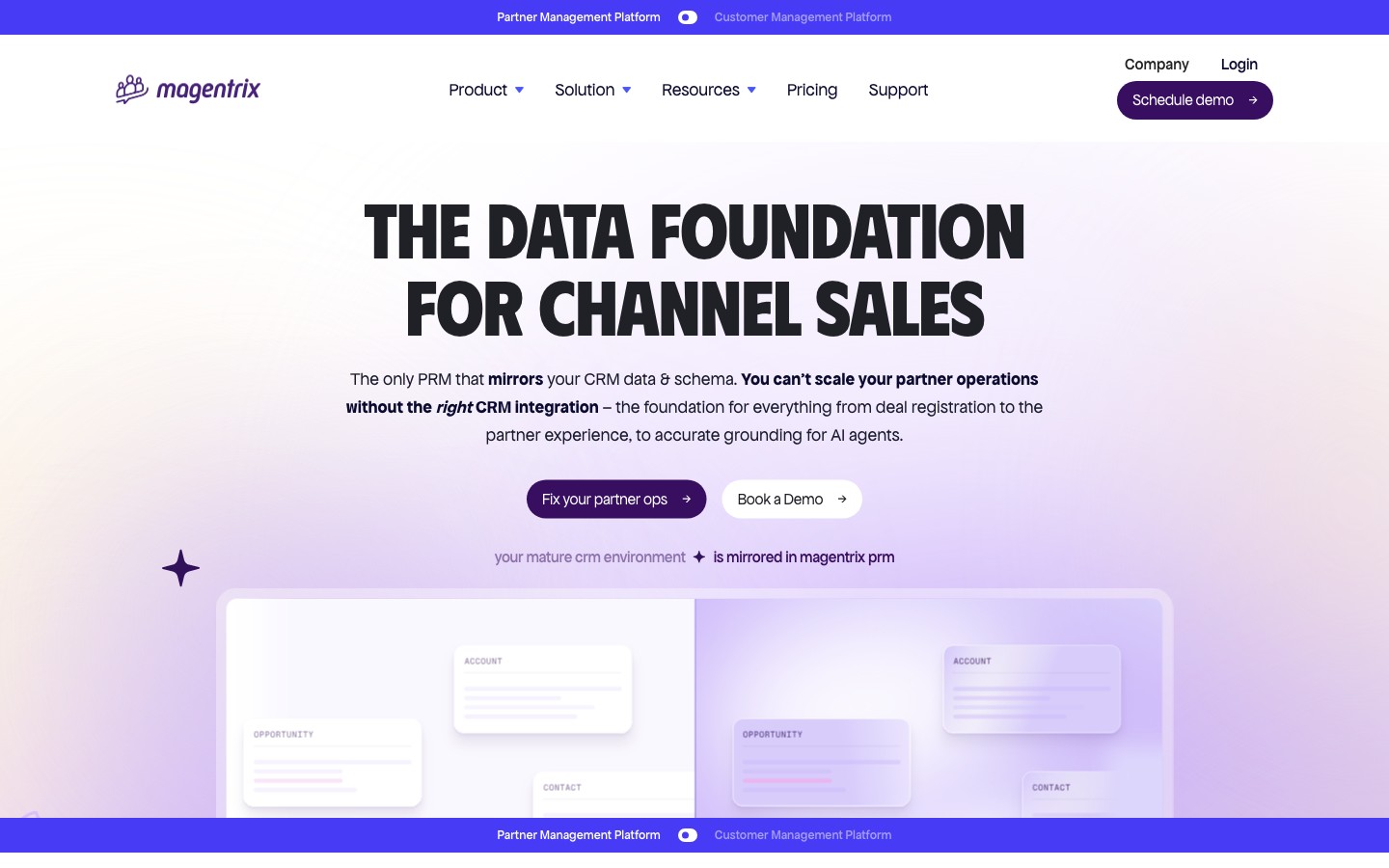
Best for: mid-market to enterprise teams that need a highly customizable partner portal and already run HubSpot, Salesforce, or Dynamics. Not ideal for: small teams that want “launch in an afternoon” simplicity, or HubSpot shops that specifically need custom-object sync.
- HubSpot integration: Native and bi-directional for Company, Contact, and Deal objects, with no-code field mapping and Magentrix’s “Smart Sync” adjusting the sync interval based on how often your records change.
- Custom objects: Not on HubSpot. Magentrix’s signature capability is schema mirroring — reflecting your CRM’s exact structure, including custom objects — but it offers this for Salesforce and Dynamics only, and states plainly that HubSpot’s API doesn’t allow the same. On HubSpot, it’s standard-object field mapping.
- Pricing: Essentials starts around $1,500/month (billed annually); Advanced and Unlimited tiers scale up.
- Bottom line: a deeply customizable portal for mid-market and enterprise teams — but its custom-object superpower doesn’t extend to HubSpot, so weigh it accordingly if HubSpot is your CRM.
Learn more: Magentrix.
Best PRMs for HubSpot: enterprise
Built for large, structured channel programs that need governance, incentives (MDF, rebates, SPIFFs), and custom-object depth — with quote-based pricing and real implementations.
Impartner
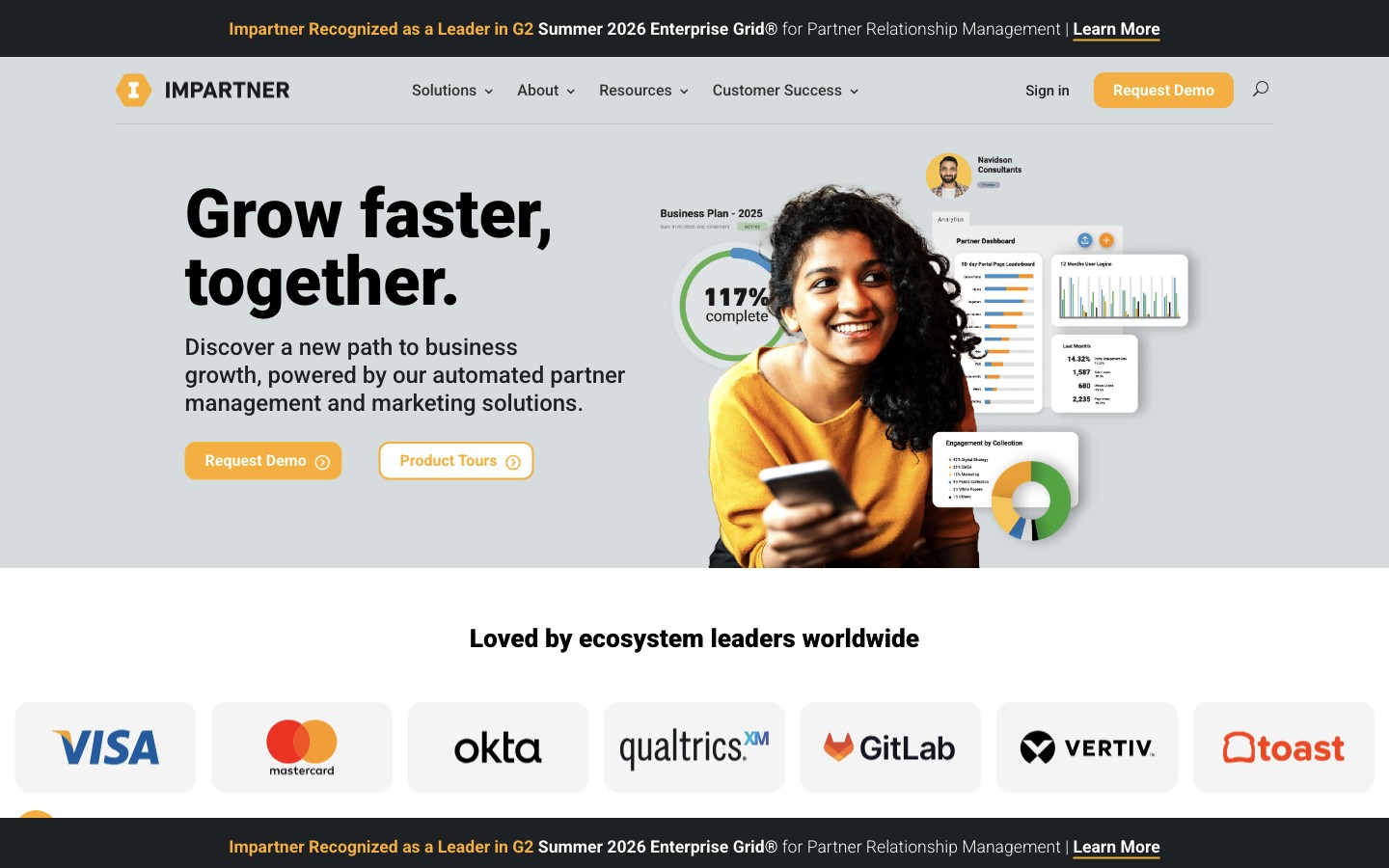
Best for: large channel programs that want partner data — including custom objects — synced into HubSpot as the single source of truth. Not ideal for: small teams that want speed, simplicity, and self-serve pricing.
- HubSpot integration: Native and among the deepest on this list. Impartner’s CRM Sync engine (expanded for HubSpot in 2026) does real-time, reciprocal sync of accounts, contacts, deals, leads, products, and custom objects, with field-by-field control over sync direction and filters so only partner-relevant data lands in HubSpot.
- Custom objects: Full support — Impartner can create and sync custom objects to their HubSpot counterparts (subject to HubSpot’s Enterprise-tier requirement for custom objects).
- Pricing: custom, quote-based; AppExchange/enterprise editions commonly start around $25k/year.
- Bottom line: the enterprise HubSpot option when you need governance, MDF, and true custom-object sync — overkill for a small or first-time program.
Learn more: Impartner.
ChannelScaler / Allbound
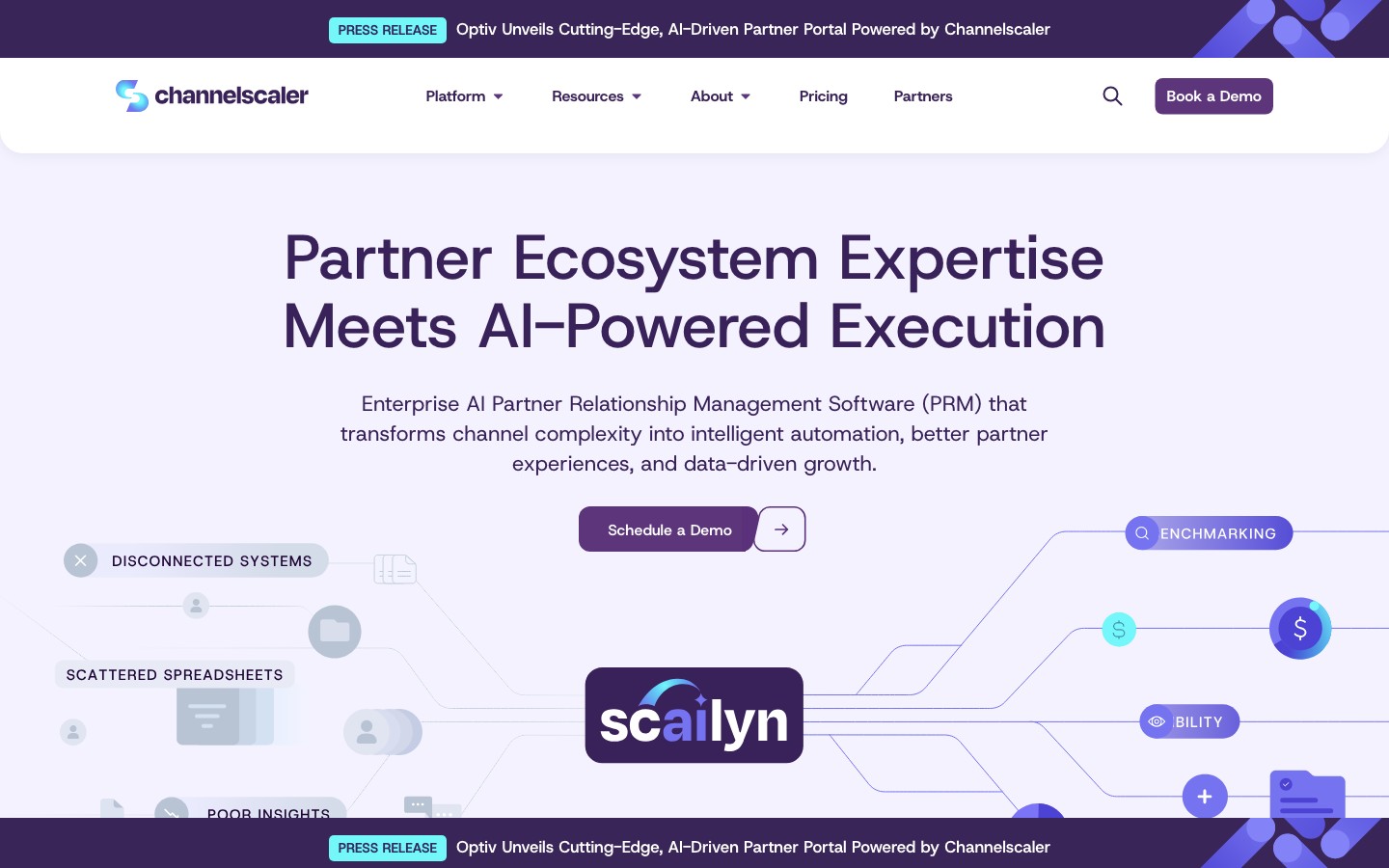
Best for: mid-market-to-enterprise channel programs that need enablement, co-sell, and deep incentive automation across multi-tier ecosystems. (Allbound acquired Channel Mechanics in 2024 and rebranded to ChannelScaler in 2025.) Not ideal for: ultra-lightweight programs that want self-serve setup with minimal admin.
- HubSpot integration: Native and HubSpot-certified (since its Allbound days). Syncs partner companies, contacts, and deals in real time, and states support for standard and custom objects with deal-registration and lead-distribution flows.
- Custom objects: Supported alongside standard objects, per ChannelScaler.
- Pricing: custom, quote-based; commonly $20k–$40k/year.
- Bottom line: a strong enterprise HubSpot choice when incentive automation and multi-tier structure matter more than fast, self-serve setup.
Learn more: ChannelScaler.
ZINFI
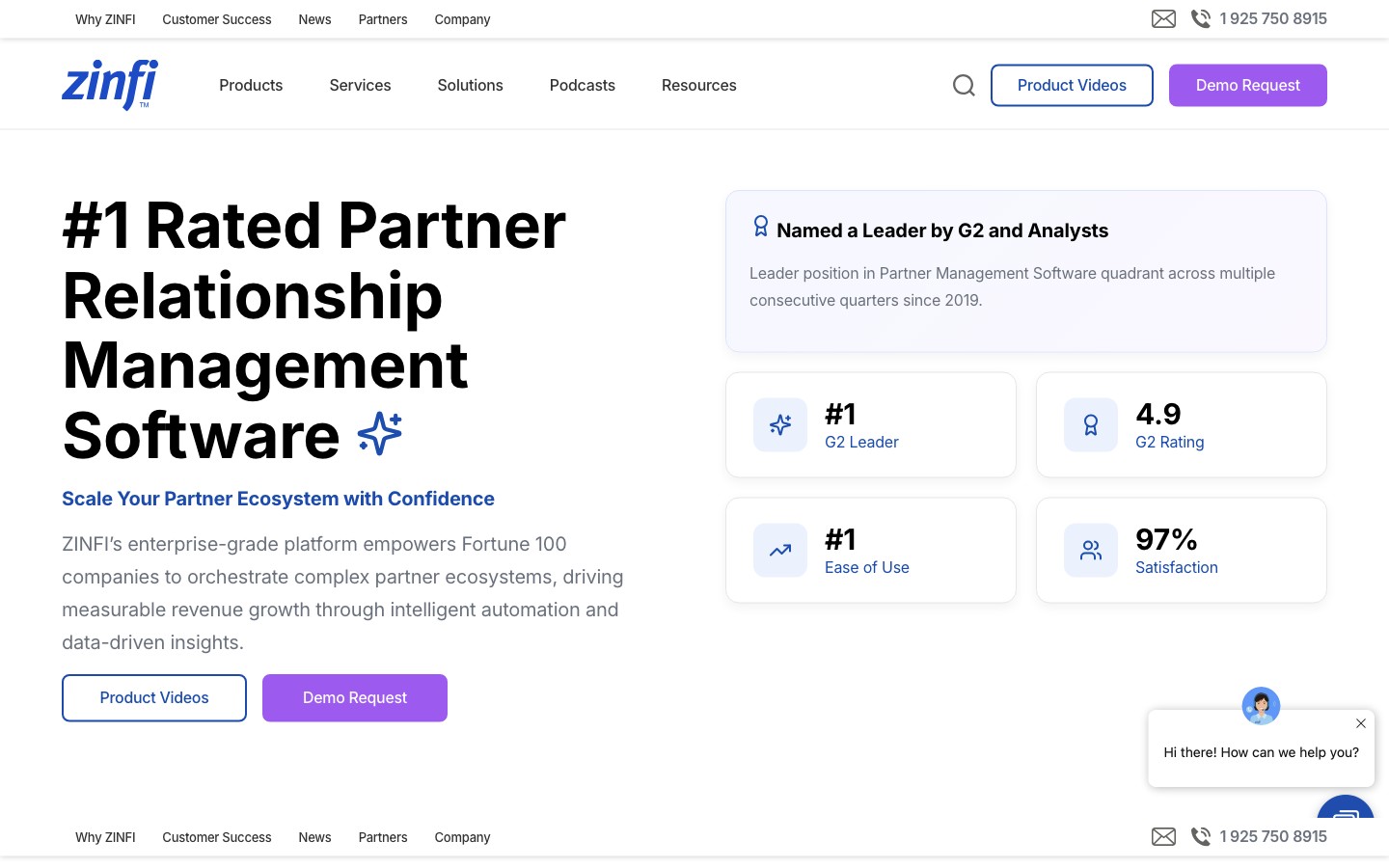
Best for: enterprise channel programs that need PRM plus through-channel marketing (TCMA) alongside their HubSpot CRM. Not ideal for: SMBs or teams optimizing for simplicity and price.
- HubSpot integration: Native, via a HubSpot Private App connector — one of nine CRM connectors ZINFI publishes. Automates deal registration into HubSpot, syncs companies, contacts, and deals, and supports field mapping, webhooks, and marketing-automation workflows.
- Custom objects: Handled through the connector’s mapping rather than a headline custom-object feature.
- Pricing: custom, quote-based; typically starts around $20,000/year, often plus implementation.
- Bottom line: the enterprise pick when you want PRM plus TCMA across a large, global partner ecosystem, with HubSpot as the CRM.
Learn more: ZINFI.
Unifyr

Best for: enterprise channel programs that want PRM plus TCMA and partner enablement in one suite, connected to HubSpot. (Zift Solutions rebranded to Unifyr in 2024.) Not ideal for: SMBs or teams that want a lightweight, fast-to-launch tool.
- HubSpot integration: Native and bi-directional — deals, tickets, and contacts sync both ways with HubSpot CRM, and Unifyr also connects to HubSpot Marketing Hub for through-channel campaigns.
- Custom objects: Not a headline capability; confirm scope during a demo if it matters to you.
- Pricing: custom, quote-based; enterprise-tier.
- Bottom line: a mature PRM + TCMA + partner-marketing suite for enterprises on HubSpot — more platform than most SMB and mid-market programs need.
Learn more: Unifyr.
The one that doesn’t: Salesforce PRM
The single major PRM with no HubSpot integration is Salesforce PRM (Partner Relationship Management on Experience Cloud). That isn’t an oversight — the product is Salesforce. Its “integration” with the CRM is that it runs natively inside Salesforce, which also means there’s no native path to HubSpot, Pipedrive, Zoho, or Attio.
If HubSpot is your CRM, Salesforce PRM effectively asks you to adopt Salesforce — a much larger decision than choosing a PRM. For a HubSpot shop, the right move is one of the tools above, all of which are built to sit on top of the CRM you already run. (If you are evaluating a CRM change, that’s a separate question — but it shouldn’t be driven by your PRM choice.)
How to set up a PRM with HubSpot
With a native option, setup is fast. Using PartnerPortal as the example:
- In your portal, open Integrations and click Enable HubSpot, then complete HubSpot’s authorization flow and choose the account to connect.
- Review the mapping — which HubSpot pipeline receives partner deals, and how your portal phases map to HubSpot deal stages. PartnerPortal maps the standard lead fields automatically, so it works out of the box.
- Turn on two-way sync if you want partner-driven stage, value, and close-date updates to flow back into HubSpot, and map any custom deal properties or partner data you want on the HubSpot record.
The full walkthrough — connecting, mapping, custom fields, two-way sync, and importing HubSpot deals as leads — is in our guide to how to integrate HubSpot with PartnerPortal.
Related reading
- Best PRM Software in 2026 — the full comparison across every major PRM, not just HubSpot-compatible ones.
- Best PRM for Salesforce — the other CRM almost every PRM supports natively, with the same segment-first breakdown plus Salesforce’s own native PRM.
- Best PRM for Pipedrive, Best PRM for Zoho, and Best PRM for Attio — where native support is scarce and the calculus is different.
- Most Affordable PRM Software in 2026 — PRMs ranked by real cost, including the hidden fees to watch for.
- How to Integrate HubSpot with PartnerPortal — step-by-step setup, mapping, two-way sync, and lead import.
Ready to run your partner program on HubSpot? Claim your free portal or explore the CRM integrations.
Frequently asked questions
Which PRMs integrate with HubSpot?
Almost all of them. Unlike Pipedrive, Zoho, or Attio — where native support is scarce — HubSpot is supported natively by nearly every PRM on the market, including PartnerPortal, Kiflo, JourneyBee, Introw, PartnerStack, Magentrix, Impartner, ChannelScaler (Allbound), ZINFI, and Unifyr. The one notable exception is Salesforce PRM, which runs on Salesforce and has no HubSpot connector. Because native HubSpot support is effectively table stakes, the real decision comes down to program size, features, price, and how deep the HubSpot integration goes.
What's the best PRM for HubSpot?
There's no single winner — it depends on your program. For startups and SMBs that want to launch fast and cheaply, PartnerPortal (free tier, native two-way HubSpot sync, top plan at $399/mo), Kiflo, and Introw are the strongest fits. Mid-market programs scaling affiliate and referral partners often look at PartnerStack. Large, structured channel programs that need governance, MDF, and custom-object sync into HubSpot lean toward Impartner, ChannelScaler, ZINFI, or Unifyr. Since they all connect to HubSpot natively, choose on fit and price, not just the integration.
Do my partners need HubSpot seats to use a PRM for HubSpot?
No. With a PRM, partners work in the PRM's portal (or, with CRM-first tools, in their own CRM), and the PRM syncs partner-sourced deals into your HubSpot on your team's behalf. Partners never need their own HubSpot licenses — avoiding that cost and exposure is one of the main reasons to add a PRM instead of inviting partners into HubSpot directly.
Does a PRM sync two ways with HubSpot?
Most native HubSpot PRMs offer two-way sync, but the depth varies. The common pattern: the PRM creates the Deal, Contact, and Company in HubSpot when a partner-sourced lead is approved, then syncs stage, deal value, and close date back so partners see current status. What differs is which fields flow back, whether it's real-time or batched, and whether the PRM can also import existing HubSpot deals as partner leads. Confirm the exact behavior — one-way vs. two-way, and which objects — on each vendor's site.
Can a PRM use HubSpot custom objects?
Some can, with limits. Enterprise platforms like Impartner and ChannelScaler sync custom objects into HubSpot; Introw can attribute partners through custom objects and association labels; PartnerPortal can write partner-sourced records into a HubSpot custom object with some limits; and Magentrix does not mirror HubSpot custom objects at all (it reserves schema mirroring for Salesforce and Dynamics). One important caveat: HubSpot custom objects require a HubSpot Enterprise subscription, so for most Starter and Professional accounts this is moot.
What's the difference between a HubSpot-first PRM and a portal-first PRM?
A HubSpot-first (or 'headless') PRM keeps the workflow inside HubSpot — reps, and sometimes partners, register and update deals from a card on the HubSpot record without a separate portal. Introw and PartnerStack's Network Connect app work this way. A portal-first PRM gives partners a dedicated branded portal to log into, and treats HubSpot as the synced system of record on your side. PartnerPortal, Kiflo, and most enterprise PRMs are portal-first. Neither is better in the abstract — it depends on whether your partners will log into a portal or prefer to work where they already are.
Is there a free PRM for HubSpot?
Yes. PartnerPortal offers a genuinely free tier — not a time-limited trial — with a native, two-way HubSpot integration, so you can launch a real partner portal and sync partner-sourced deals into HubSpot without paying. Introw also has a free Starter plan for a single partner. Most other HubSpot-compatible PRMs offer only a demo or a short trial.