
Best PRM for Pipedrive in 2026
The best PRM software for Pipedrive in 2026 — which partner relationship management tools integrate with Pipedrive natively, which only connect via Zapier, and which don't support it at all.
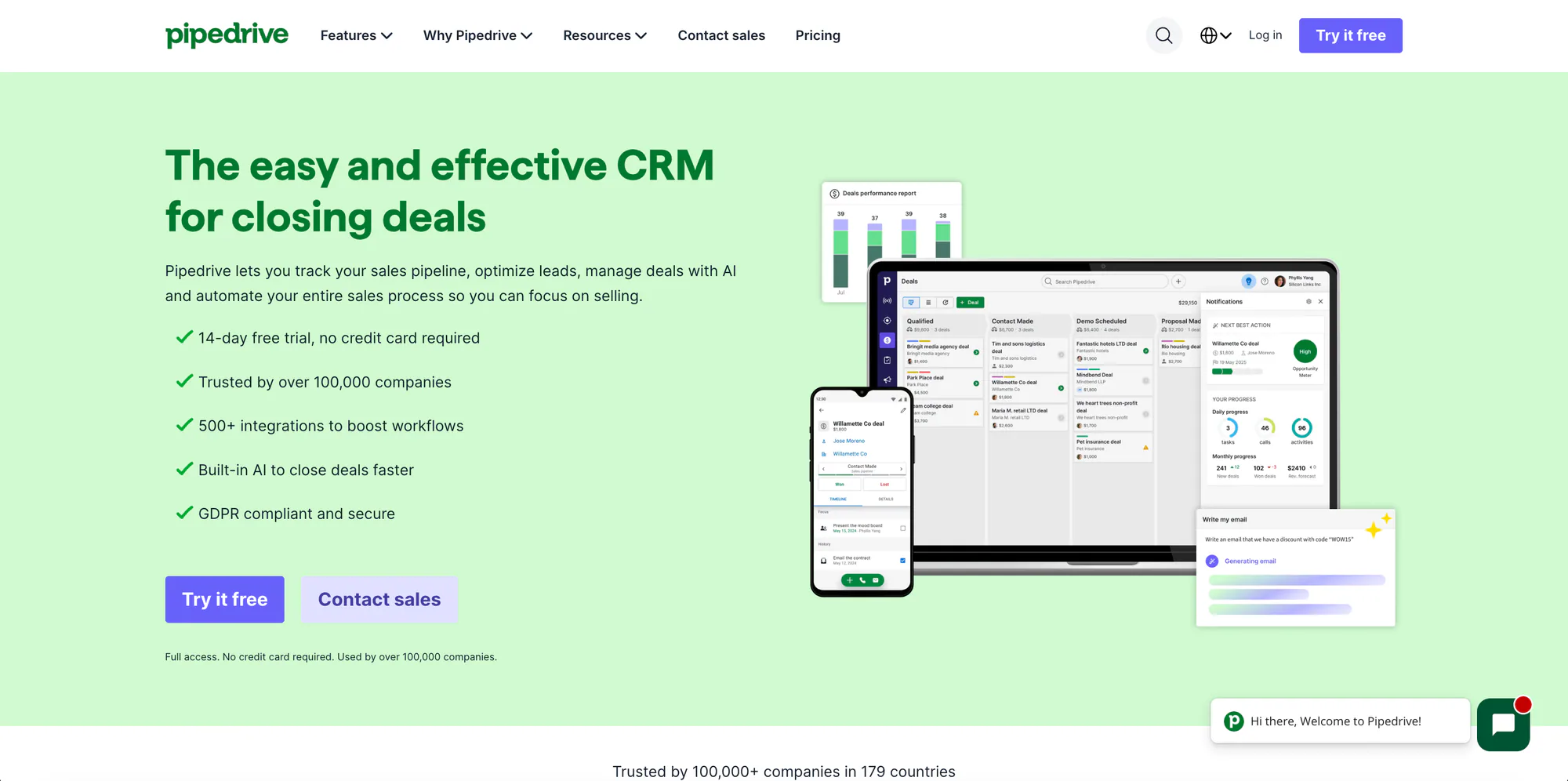
Pipedrive is a great sales CRM, but it isn’t a PRM (partner relationship management) tool — so if you run a partner program on Pipedrive, you need a PRM that connects to it. The problem: most PRMs are built for Salesforce and HubSpot first, and their Pipedrive “support” is often a Zapier workaround, or missing entirely. This guide covers which PRM software actually works with Pipedrive in 2026, and how deeply each one connects.
TL;DR: The best PRMs for Pipedrive are the ones with a native integration — built into the product, no middleware. That’s a short list: PartnerPortal, JourneyBee, Introw, Channelyze, and Euler (plus PartnerStack, whose native integration is set up with its team rather than self-serve, and ZINFI at the enterprise end). Kiflo connects to Pipedrive only through Zapier or a custom API build — not a purpose-built sync. And most other enterprise PRMs — Salesforce PRM, Impartner, Magentrix, ChannelScaler / Allbound, and Unifyr — don’t support Pipedrive at all.
About Pipedrive
Pipedrive is a sales-first CRM built for small and mid-sized B2B sales teams. Founded in 2010 and used by over 100,000 companies worldwide, it’s known for a visual, pipeline-centric interface, fast deal management, and low per-seat pricing (from around $14/user/month) — deliberately simpler and more affordable than the enterprise suites from Salesforce or HubSpot.
That focus is also its limit when it comes to partnerships. Pipedrive is designed for your direct sales team: it has no built-in partner portal, no deal registration, and no partner-attribution layer. Adding partners as Pipedrive users is expensive and exposes your entire pipeline, which is rarely what you want. A PRM solves this by sitting on top of Pipedrive — partners work in the PRM’s portal, and the PRM syncs partner-sourced deals into Pipedrive while keeping it as your system of record. The only question that matters when choosing one is how cleanly it connects to Pipedrive — which is where the native-vs-third-party distinction below comes in.
Which PRMs support Pipedrive (and how)
Here’s the landscape, organized by the thing that actually matters: whether the PRM connects to Pipedrive natively (purpose-built, no middleware), only via Zapier/API (you build and maintain it), or not at all. Pricing notes are approximate, as of 2026, and should be confirmed on each vendor’s site.
| PRM | Pipedrive integration | How it connects | Price range* | Free tier |
|---|---|---|---|---|
| PartnerPortal | ✅ Native | One-click; two-way sync of Deal, Person & Organization | Free – $399/mo | Yes |
| JourneyBee | ✅ Native | Pipedrive Marketplace app; two-way sync + embeddable portal widget | ~$499/mo – Custom | Demo only |
| Channelyze | ✅ Native | Pipedrive Marketplace app; two-way partner/lead sync** | Not listed | Demo only |
| Introw | ✅ Native*** | Direct Pipedrive connection; partner deal-data sync | Custom (quote) | Demo only |
| Euler | ✅ Native | Bidirectional; maps to any Pipedrive object/field | ~$1,000 – $1,520/mo+ (custom)**** | No |
| PartnerStack | ✅ Native (assisted) | Powered by Workato; their team builds the automations | $500 – $4,000+/mo (+ payout fee) | No |
| ZINFI | ✅ Native (enterprise) | Prebuilt Pipedrive connector; two-way sync of leads, deals, activities | ~$20k/yr+ (custom) | No |
| Kiflo | ⚠️ Zapier / API only | Native sync is HubSpot & Salesforce only; Pipedrive via Zapier | $399/mo – Custom | 14-day trial |
| Salesforce PRM | ❌ Not supported | Salesforce-only by design | ~$25/user/mo + SF licensing | No |
| Impartner | ❌ Not supported | Salesforce, HubSpot, Dynamics | ~$25k/yr+ (custom) | No |
| Magentrix | ❌ Not supported | Salesforce, HubSpot, Dynamics | ~$1,500/mo+ (custom) | No |
| ChannelScaler / Allbound | ❌ Not supported | Salesforce-native | ~$20k – $40k/yr | No |
| Unifyr | ❌ Not supported | Enterprise CRMs | Custom (enterprise) | No |
*Pricing is approximate, as of 2026, and often depends on partner count — confirm current numbers on each vendor’s site. Note the range: PartnerPortal is the only tool here with a permanently free tier and paid plans that top out at $399/month, while most native and enterprise alternatives start in the four- or five-figure range. Channelyze syncs partners and leads two ways, but deals created directly in Pipedrive don’t sync back into Channelyze (it provides a custom Pipedrive action to create Channelyze leads instead). *Introw connects to Pipedrive natively, but its deepest two-way, embedded-in-CRM experience is built around Salesforce and HubSpot. ****Euler doesn’t publish pricing; the range shown is third-party (competitor-reported) and indicative only — confirm current numbers with Euler.
Native vs. Zapier: why it matters for Pipedrive
Vendors use the word “integration” loosely, so it’s worth knowing what you’re getting. A quick test for any PRM you evaluate on Pipedrive:
- Is Pipedrive named as a native integration, or listed next to Zapier? Many PRMs list “Pipedrive” and “Zapier” as separate line items — which usually means the Pipedrive connection is Zapier.
- Does it connect with one-click OAuth, or ask for a Pipedrive API token dropped into an automation tool?
- Does it sync two ways — deal updates flowing back from Pipedrive to your partners — or only push records one direction?
- Does it understand Pipedrive’s objects (Deal, Person, Organization) and partner attribution, or just move generic fields?
With a native integration, the PRM does this for you: a partner registers a deal, and the PRM creates the Deal, Person, and Organization in Pipedrive, then syncs stage and value updates back so partners always see current status. With a Zapier/API connection, you assemble that behavior yourself — one Zap per trigger, each one-directional, none of it aware of partner attribution — and maintain it as both products change. It can work, but it’s brittle, and it’s a sign the PRM wasn’t built with Pipedrive in mind.
Best PRMs with native Pipedrive integration
These tools build the Pipedrive connection into the product. Ordered roughly by speed-to-launch and starting price.
PartnerPortal
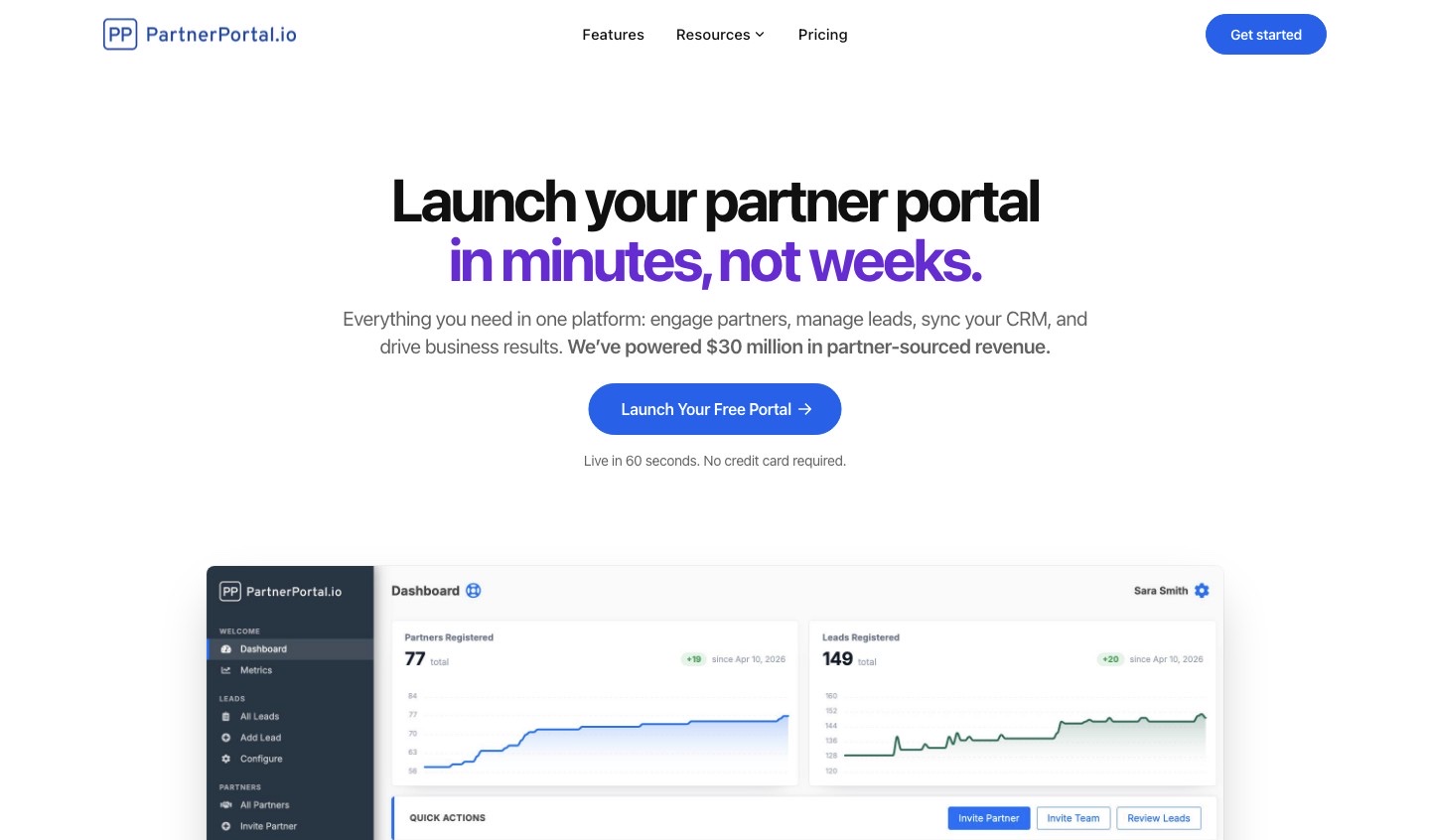
Full disclosure: PartnerPortal publishes this guide. We’ve held ourselves to the same standard as every other tool here.
Best for: SMB and mid-market teams that want a partner portal live on Pipedrive quickly — and free to start. Not ideal for: buyers who need enterprise channel governance, deep MDF/TCMA, or a multi-month implementation.
- Pipedrive integration: Native, two-way. When you approve a partner-sourced lead, PartnerPortal creates the Deal, Person, and Organization in Pipedrive, and syncs stage, close value, close date, and won/lost status back into the portal so partners always see current status. Setup is a one-click connection plus point-and-click pipeline, stage, and field mapping.
- Beyond Pipedrive: native integrations for HubSpot, Salesforce, Zoho, and Attio too — the broadest small/mid-CRM coverage on this list, so you’re not locked in if your stack changes.
- Also: lead/deal registration, partner tiers, flexible commissions, multi-currency, and no per-seat fees.
- Most affordable on this list. A permanently free tier (not a trial) and paid plans that top out at $399/month — while most native alternatives start around $499/month and enterprise PRMs run into five figures a year. If Pipedrive is your CRM because you value simple, affordable tooling, PartnerPortal is the PRM that matches that philosophy.
- Pricing: Free tier to launch a real portal (a true free plan, not a trial); Professional at $249/month (up to 100 partners); Enterprise at $399/month for unlimited partners, leads, and team.
- Bottom line: the most complete native Pipedrive PRM — two-way sync, a clean partner portal, and the option to start free.
Learn more: how to integrate Pipedrive with PartnerPortal
JourneyBee
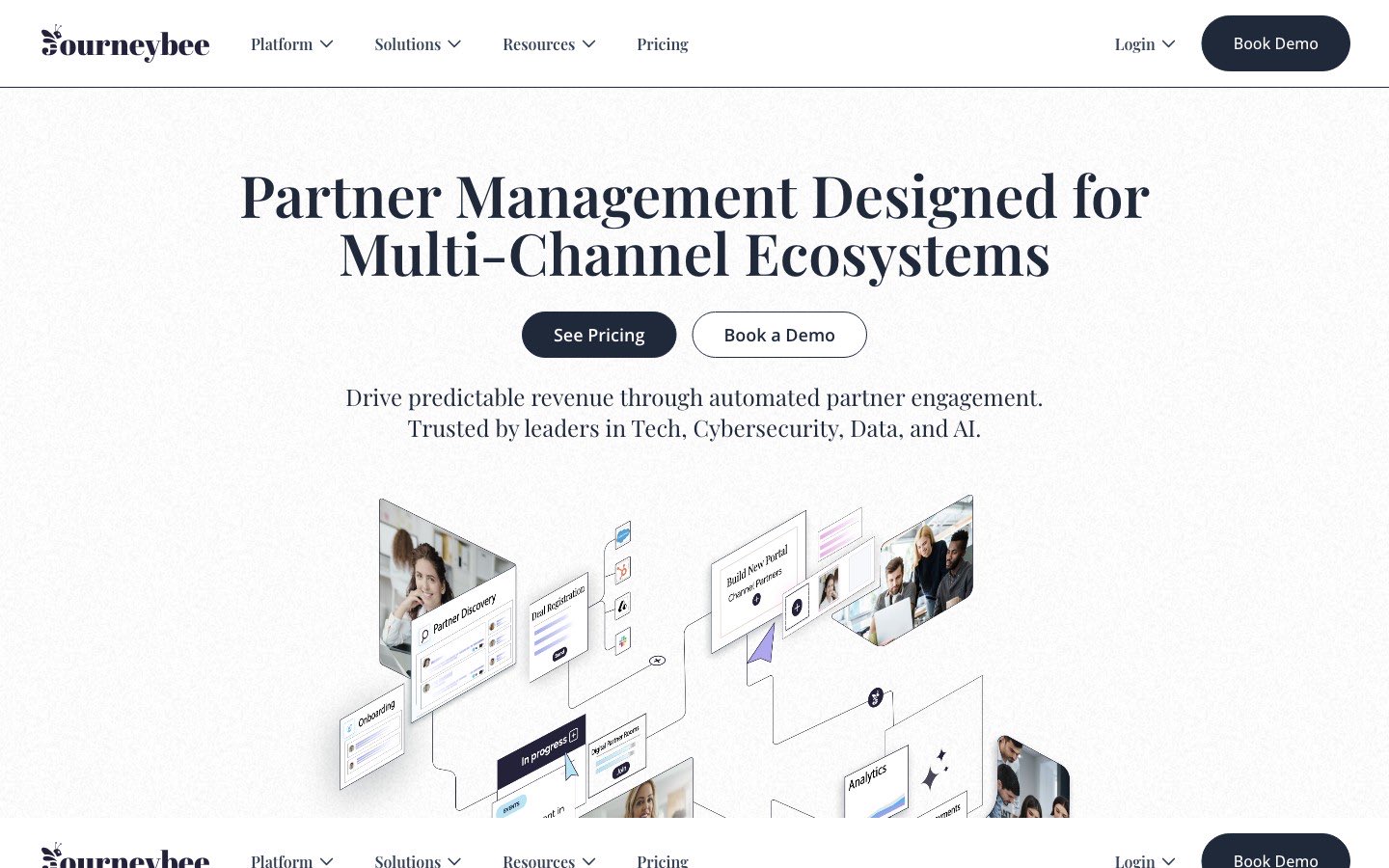
Best for: teams running many partner types at once — referral, reseller, channel/distributor, affiliate — that want an embeddable partner experience. Not ideal for: teams that want the lowest starting price or a single, simple partner motion.
- Pipedrive integration: Native. JourneyBee is a Pipedrive Marketplace app with two-way object sync; on connect it adds the custom fields it needs to Pipedrive and can embed a partner-portal widget directly in the Pipedrive interface. Partners don’t need Pipedrive licenses.
- Pricing: starts around $499/month (roughly €499 for 3 users with unlimited partners).
- Bottom line: a strong native Pipedrive option if you’re juggling several partner types and want an embeddable experience.
Learn more: JourneyBee
Channelyze
Best for: smaller channel-sales teams that want a Pipedrive-native PRM with partner recruitment and an LMS. Not ideal for: teams that want a large vendor with deep third-party validation.
- Pipedrive integration: Native (Pipedrive Marketplace app). Syncs partners and leads two ways and pushes Channelyze-originated deals into Pipedrive. Caveat: deals created directly in Pipedrive don’t sync back into Channelyze — it provides a custom Pipedrive action to create Channelyze leads instead.
- Pricing: not publicly listed; demo-based.
- Bottom line: a viable native option for a Pipedrive-centric channel program, with the deal-sync caveat in mind.
Learn more: Channelyze
Introw

Best for: mid-to-upper-market teams that want an AI-native, CRM-first PRM they can run largely from inside their CRM, Slack, or Teams. Not ideal for: very small teams that want the cheapest, simplest setup.
- Pipedrive integration: Native connection available — you can link Pipedrive so Introw syncs partner deal data. Worth knowing: Introw’s flagship two-way, embedded-card, “headless” collaboration experience is built specifically for Salesforce and HubSpot, so the Pipedrive integration is lighter than those two.
- Pricing: not publicly listed; quote-based, positioned mid/upper-market.
- Bottom line: a solid fit if you want an AI-native, CRM-first PRM — just confirm the Pipedrive integration covers your workflow, since its deepest features center on SF/HubSpot.
Learn more: Introw
Euler
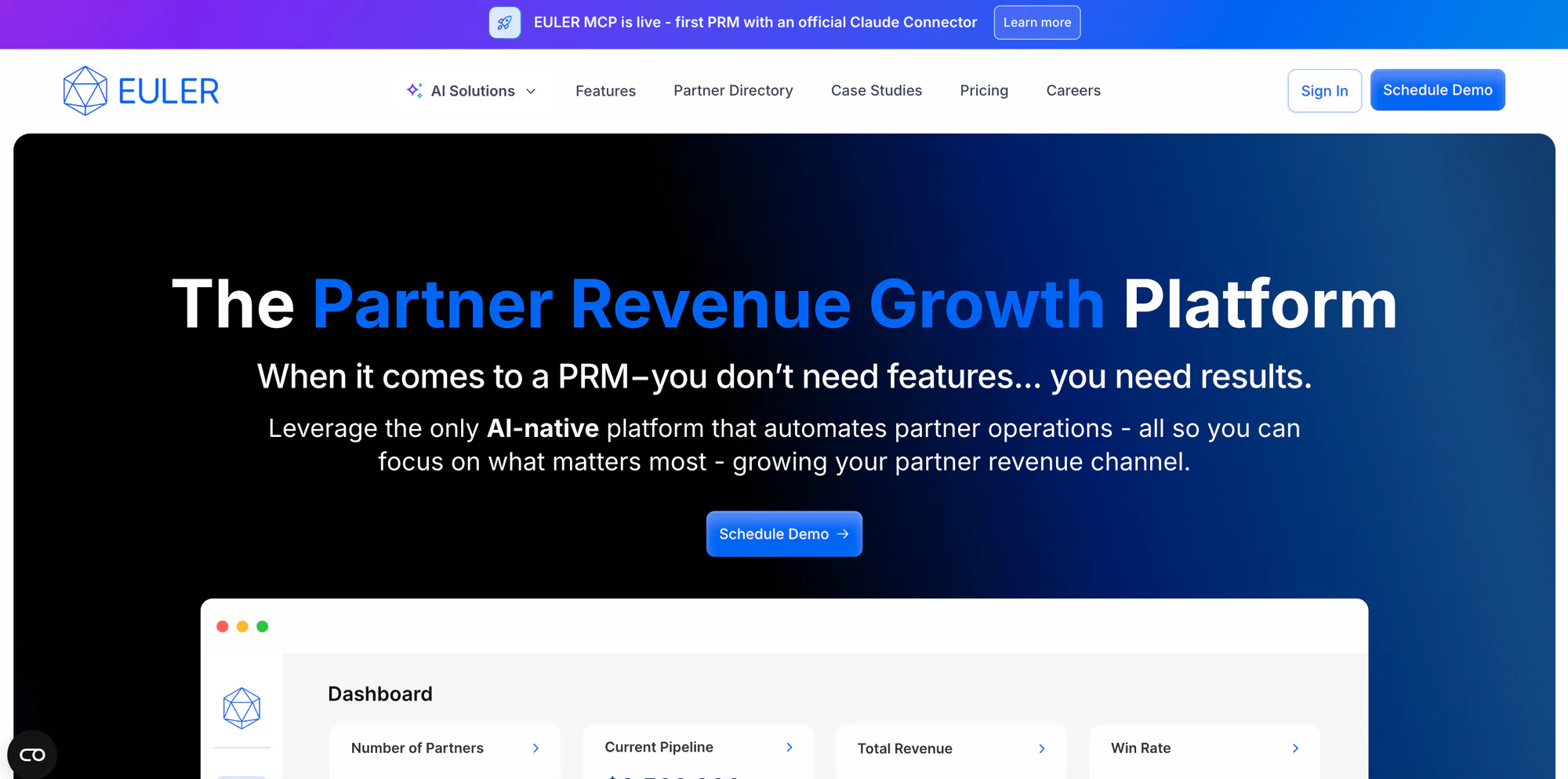
Best for: newer, AI-forward partner programs that want automation (AI-assisted deal registration, partner-ops AI assistants) and to engage partners off-portal. Not ideal for: teams that want the lowest price, public self-serve pricing, or a free tier.
- Pipedrive integration: Native, bidirectional. Euler maps into any Pipedrive object or field — approve a referral or deal in Euler and it creates the organization, person, and deal in Pipedrive, and Pipedrive stage updates flow back so partners see current status.
- Strengths: AI-native (DealFlow AI auto-registers referrals/deals from forwarded emails; partner-ops AI assistants); strong off-portal engagement (email, Slack, Teams, and a Chrome extension); partner onboarding, e-sign contracting, and commission/spiff payments with no payout fees.
- Trade-offs: newer (founded 2023) and pricing isn’t public; it starts well above the SMB tools and has no free tier.
- Pricing: not publicly listed. Third-party data suggests entry plans around $1,000/month (marketing) to $1,520/month (growth), with enterprise custom — confirm directly with Euler. Plan tiers are Core, Growth, and Enterprise.
- Bottom line: a modern, AI-forward native Pipedrive option if you value automation and off-portal engagement and can work with quote-based pricing above the SMB tier.
Learn more: Euler
PartnerStack

Best for: SaaS companies scaling affiliate, referral, and co-sell partners that want a built-in partner network plus automated payouts. Not ideal for: teams that want a lightweight, low-cost, self-serve setup.
- Pipedrive integration: Native, but assisted. PartnerStack’s Pipedrive integration is powered by Workato: you authenticate Pipedrive, then its onboarding/customer-success team builds the automations (create Person, Organization, and Deal for partner-submitted deals, and sync updates). It’s purpose-built rather than a Zapier bridge — but it’s not self-serve.
- Pricing: not publicly listed. Third-party data (Vendr) puts Starter around $500–$1,200/month and mid-market/enterprise around $1,500–$4,000+/month, plus a 3–15% payout fee.
- Bottom line: the best Pipedrive-compatible PRM for scaling affiliate/referral at volume — if you can absorb the cost and the assisted setup.
Learn more: PartnerStack
ZINFI
Best for: enterprise channel programs on Pipedrive that also need through-channel marketing (TCMA) and global, multi-tier partner management. Not ideal for: SMB Pipedrive shops — this is a five-figure enterprise suite, not a fast, self-serve setup.
- Pipedrive integration: Native. ZINFI publishes a prebuilt Pipedrive connector in its integration library that syncs leads, deals, pipelines, and activities two ways — one of nine native CRM connectors alongside Salesforce, HubSpot, Dynamics, Zoho, and others.
- Pricing: custom, quote-based; typically starts around $20,000/year, often plus implementation.
- Bottom line: the enterprise option if you’re on Pipedrive but need TCMA and global-scale channel management — overkill for a smaller, simpler program.
Learn more: ZINFI
PRMs that connect to Pipedrive only via Zapier
These are real PRMs, but their native CRM integrations stop at Salesforce and HubSpot (plus Dynamics in some cases). To reach Pipedrive, you build and maintain the connection yourself in Zapier or via their API.
- Kiflo. A solid SMB starter PRM — but its native, two-way syncs are HubSpot and Salesforce only. Kiflo says so directly: it “works with any other CRM through Zapier and our API.” Its Pipedrive connection is Zapier-based, so you assemble the workflows yourself and don’t get a purpose-built two-way Pipedrive sync. Pricing starts at $399/month (up to 50 active partners); unlimited partners are custom-priced.
If Pipedrive is central to how you sell, a Zapier bridge is a real, ongoing maintenance cost — weigh it against a tool that treats Pipedrive as a first-class integration.
PRMs that don’t support Pipedrive
Most enterprise PRMs are built around Salesforce, HubSpot, and Microsoft Dynamics, and don’t integrate with Pipedrive at all. If you’re on Pipedrive, these generally aren’t options unless you also adopt one of their supported CRMs:
- Salesforce PRM — Salesforce-native by definition.
- Impartner — Salesforce, HubSpot, Dynamics.
- Magentrix — Salesforce, HubSpot, Dynamics (schema mirroring).
- ChannelScaler (Allbound) — Salesforce-native; requires the Salesforce ecosystem.
- Unifyr (formerly Zift) — enterprise CRMs, Pipedrive not supported.
These are strong platforms for large, structured channel programs on enterprise CRMs — they’re simply the wrong starting point for a Pipedrive shop. For the full picture on each, see our best PRM software roundup.
How to set up a PRM with Pipedrive
With a native option, setup is fast. Using PartnerPortal as the example:
- In your portal, open Integrations and click Enable Pipedrive, then authorize the connection. On connect, PartnerPortal applies a basic default configuration — pipeline and stages already mapped — so the integration works out of the box. You only need to adjust it if you want something different.
- Review or change which Pipedrive pipeline syncs and how your portal phases map to Pipedrive stages.
- Map any custom lead or partner fields, then confirm that syncing deal updates back to the portal is on.
The full walkthrough — pipeline mapping, stage mapping, custom fields, and sync settings — is in our guide to how to integrate Pipedrive with PartnerPortal.
Related reading
- Best PRM Software in 2026 — the full comparison across every major PRM, not just Pipedrive-compatible ones.- Best PRM for Zoho and Best PRM for Attio — the same native-vs-Zapier breakdown for other CRMs.
- Best PRM for HubSpot and Best PRM for Salesforce — where native support is near-universal, so the choice comes down to program size and price instead.
- Most Affordable PRM Software in 2026 — PRMs ranked by real cost, including the hidden fees to watch for.
- How to Integrate Pipedrive with PartnerPortal — step-by-step setup, mapping, and sync settings.
- Why You Should Integrate Your CRM and PRM — why native CRM integration matters.
Ready to run your partner program on Pipedrive? Claim your free portal or explore the CRM integrations.
Frequently asked questions
Which PRMs integrate with Pipedrive natively?
PartnerPortal, JourneyBee, Channelyze, and Euler offer purpose-built native Pipedrive integrations that sync deals, people, and organizations without middleware. Introw also connects to Pipedrive natively, though its deepest two-way experience is built around Salesforce and HubSpot. PartnerStack connects to Pipedrive too, but its integration is set up with its team via Workato rather than self-serve. Most other PRMs — including Kiflo — only reach Pipedrive through Zapier or a custom API build, and enterprise platforms like Impartner and Salesforce PRM don't support Pipedrive at all. (ZINFI is the enterprise exception — it publishes a native Pipedrive connector in its integration library.)
Does Kiflo have a native Pipedrive integration?
No. Kiflo's native, two-way CRM integrations are HubSpot and Salesforce only — Kiflo states this directly, noting it 'works with any other CRM through Zapier and our API.' Its Pipedrive connection is delivered through Zapier, so it's automation-based rather than a purpose-built native sync.
What's the difference between a native Pipedrive integration and a Zapier one?
A native integration is built into the PRM specifically for Pipedrive: it connects with OAuth, understands Pipedrive's Deal, Person, and Organization objects, and keeps them in sync two ways with little setup. A Zapier integration is a general automation layer you assemble yourself from triggers and actions — it can move records, but you build and maintain each workflow, it's typically one-directional per Zap, and it doesn't understand partner attribution out of the box.
Do my partners need Pipedrive licenses to use a PRM for Pipedrive?
No. With a PRM for Pipedrive, partners work in the PRM's portal, and the PRM syncs deals into Pipedrive on your team's behalf. Partners never need their own Pipedrive seats, which is one of the main reasons to add a PRM rather than inviting partners into your CRM directly.
Is there a free PRM for Pipedrive?
Yes. PartnerPortal offers a genuinely free tier — not a time-limited trial — with a native Pipedrive integration, so you can launch a real partner portal and sync partner-sourced deals into Pipedrive without paying. Most other Pipedrive-compatible PRMs offer only a demo or a short trial.
What does a native Pipedrive integration actually sync?
For a well-built native integration like PartnerPortal's, approving a partner-sourced lead creates the Deal in Pipedrive along with the associated Person and Organization. From there, changes your team makes in Pipedrive — stage, close value, close date, won/lost status — can sync back into the matching lead in the portal, so partners always see current deal status without anyone re-keying it.