· Erick Danzer · 3 min read
Native Attio PRM Integration: Register and Sync Partner Deals Automatically
We've shipped a native Attio integration. Register partner-sourced deals into Attio automatically, auto-map fields, and sync deal updates back to your partners in near real time — no Zapier, no middleware.
We’ve shipped a native Attio integration. PartnerPortal — a partner relationship management (PRM) platform — now connects directly to Attio, so partner-sourced deals register into your CRM automatically and the deal updates your team makes in Attio flow back to your partners on their own, with no spreadsheets and no manual status emails.
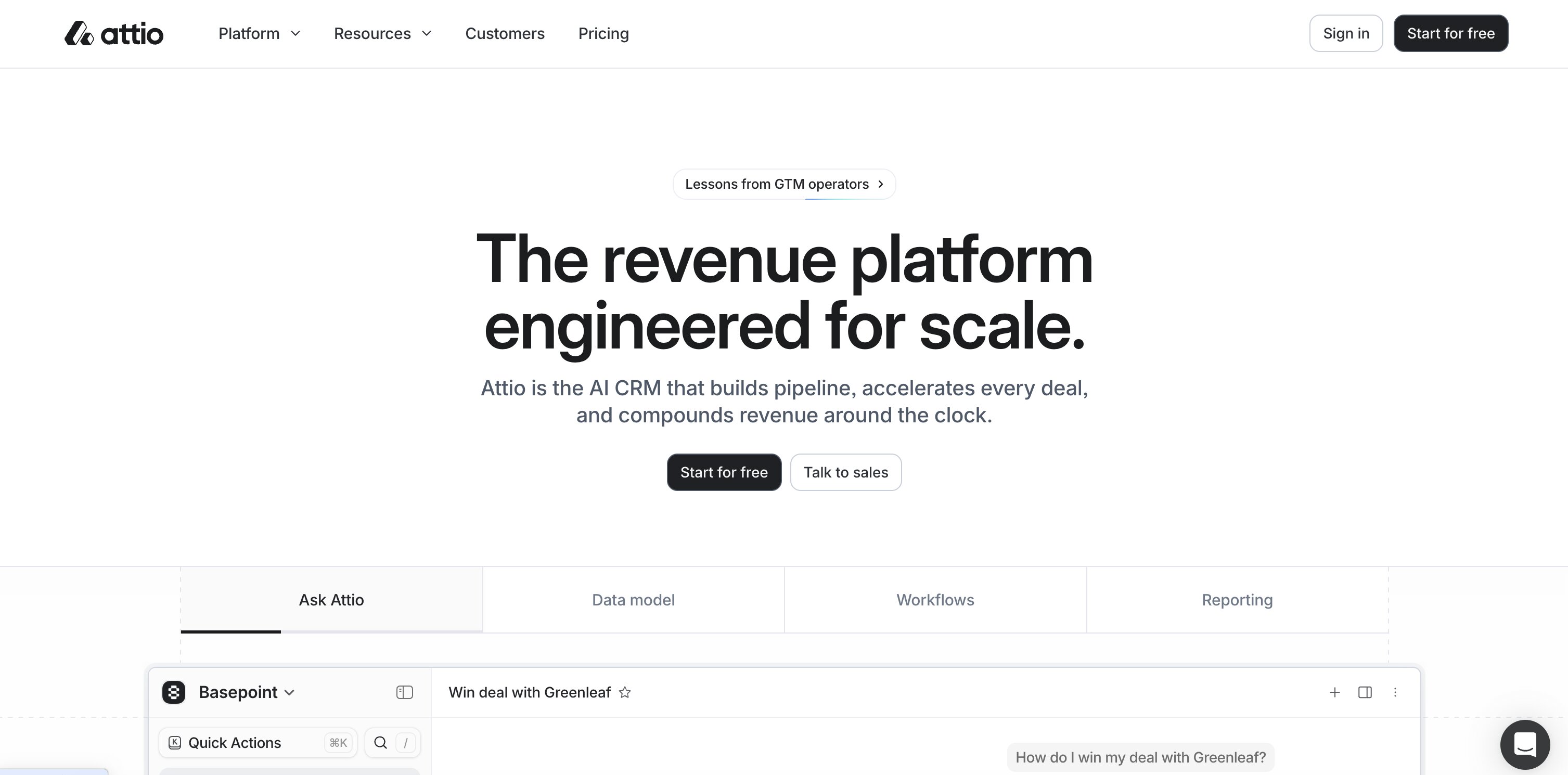
Attio: a modern, flexible CRM
Attio is one of the more impressive modern CRMs — a flexible platform built for founder-led companies, lean go-to-market teams, and SaaS businesses that want something faster and more adaptable than the heavyweight enterprise suites. Instead of forcing you into a fixed data model, Attio lets you shape objects, records, and pipelines around how your business actually works, with a well-designed interface on top.
That flexibility is exactly why teams like it — and it’s why we built the integration to fit Attio’s model rather than pretend it’s just another rigid deal pipeline. You get partner lead registration, CRM sync, and partner-sourced revenue tracking, without enterprise PRM complexity.
What the Attio PRM integration does
This is a native integration, built directly into PartnerPortal the same way our native Pipedrive integration and other native integrations are. There’s no third-party middleware to configure, no Zapier workaround, and nothing extra to maintain.
Attio also rounds out what is now the broadest native CRM support of any PRM: PartnerPortal connects natively to HubSpot, Salesforce, Pipedrive, Zoho, and Attio — well beyond the Salesforce/HubSpot-only coverage most tools stop at. See how that stacks up in our best PRM software roundup.
Here’s what you get:
Automatic deal registration. When you approve a partner-sourced lead, PartnerPortal creates the corresponding Deal in Attio — along with the supporting Person and Company records — so partner deals land in your CRM like any other opportunity.
Deal updates sync back to your partners. When your team moves a deal through your pipeline in Attio — stage changes, deal value — those updates flow back into the matching lead in PartnerPortal in near real time. Your partners always see current, accurate deal status without anyone re-keying it.
Sensible mapping out of the box. On connect, PartnerPortal automatically maps the fields that matter — deal name, stage, and value on the Deal; name and email on the Person; company name and domain on the Company. You get a working setup immediately, and you can customize the mapping whenever you want.
No duplicates. If a matching record already exists in Attio, PartnerPortal adopts it instead of creating a duplicate, so your CRM stays clean.
Getting started with the Attio integration
Setup takes just a few minutes:
- In your portal, go to Settings → Integrations and find Attio.
- Click Connect and authorize PartnerPortal in Attio.
- That’s it — PartnerPortal applies sensible default mappings so the integration works right away. Review or adjust the field mapping if you’d like.
One requirement worth noting: the integration syncs to Attio’s standard Deals object, so make sure Deals is enabled in your Attio workspace before connecting.
Who the Attio integration is for
Any PartnerPortal customer running their sales pipeline in Attio — especially teams who want partner-sourced deals tracked in Attio alongside everything else, and partners who want an always-current view of their deals without having to ask for an update.
If you’re already a customer, open Settings → Integrations to connect Attio today. If you’re evaluating PartnerPortal as the PRM for your Attio stack, you can launch a free portal at partnerportal.io to get started — or see how the options compare in our guide to the best PRM for Attio.
As always, if there’s an Attio workflow you’d like to see supported, we want to hear it.
Frequently asked questions
Does PartnerPortal have a native Attio integration?
Yes. PartnerPortal offers a native Attio integration built directly into the platform — no Zapier and no third-party middleware. When you approve a partner-sourced lead, PartnerPortal creates the deal in Attio and syncs deal updates back to your partners.
How do I connect Attio to PartnerPortal?
In your portal, go to Settings → Integrations, select Attio, and click Connect to authorize through OAuth. PartnerPortal applies sensible default field mappings automatically, so it works right away. Attio's standard Deals object must be enabled in your workspace.
Does the Attio integration require Zapier?
No. It's a native integration, so there's no Zapier workaround or middleware to build or maintain.
What syncs between PartnerPortal and Attio?
When a partner-sourced lead is approved, PartnerPortal creates the Deal in Attio along with the supporting Person and Company records. Deal updates your team makes in Attio — such as stage and value — then sync back into the matching lead in PartnerPortal in near real time.